Project Gallery
Upload New Project
-
TIC 80:
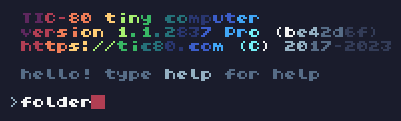
- From the prompt menu, type
> folder.
Locate your program in this directory. (.tic, .py, or .lua file.)
- From the prompt menu, type
-
Screenshot and upload:
- Take a screenshot of your project (FN+PRINT SCREEN).
- Here on the class page, fill out your name
(DON'T PUT YOUR LAST NAME), project title,
upload the screenshot should be under "Gallery" on your computer,
and the project file should be under "Documents".
Click "Upload Project".
Computer Math (June 2026)
ComputerMath (June 2026)
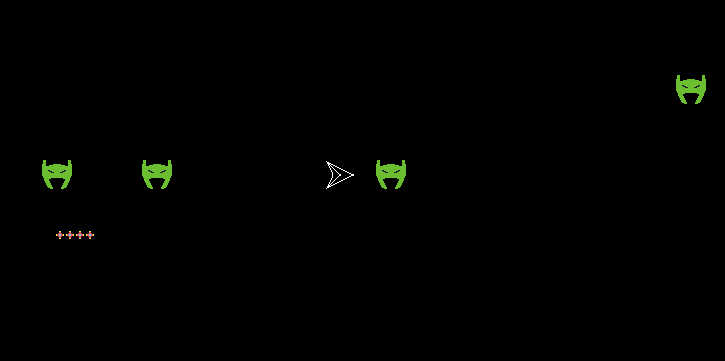
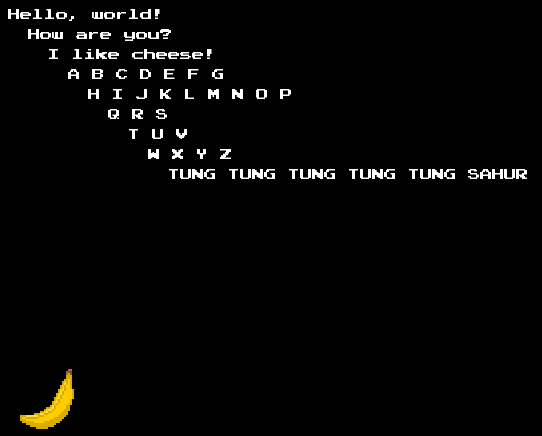
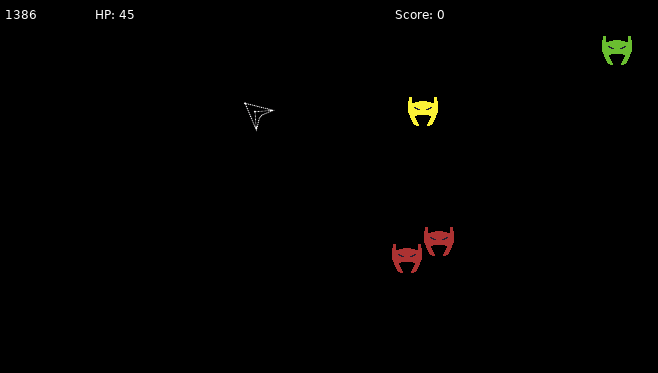
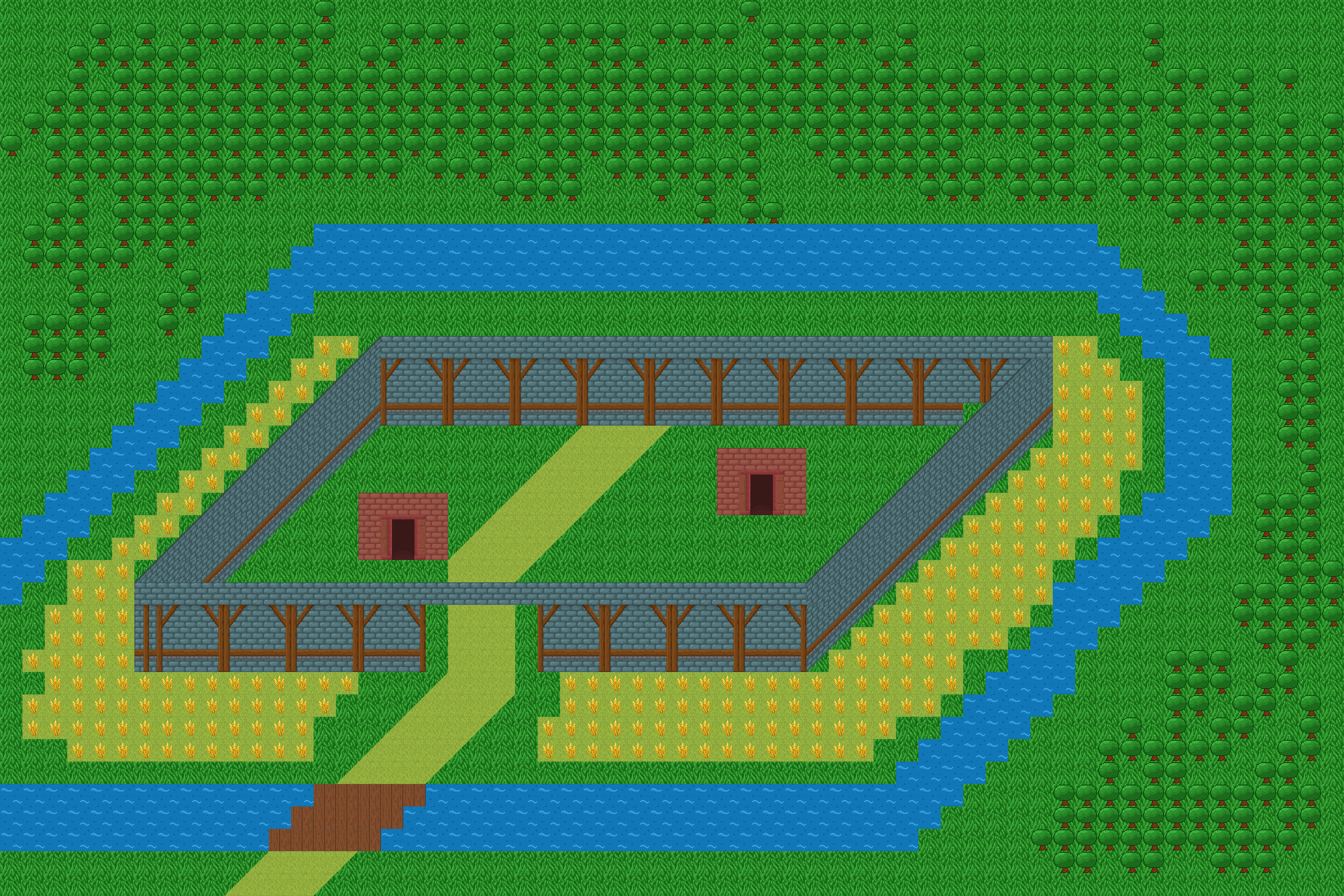
Creative Coding (June 2026)


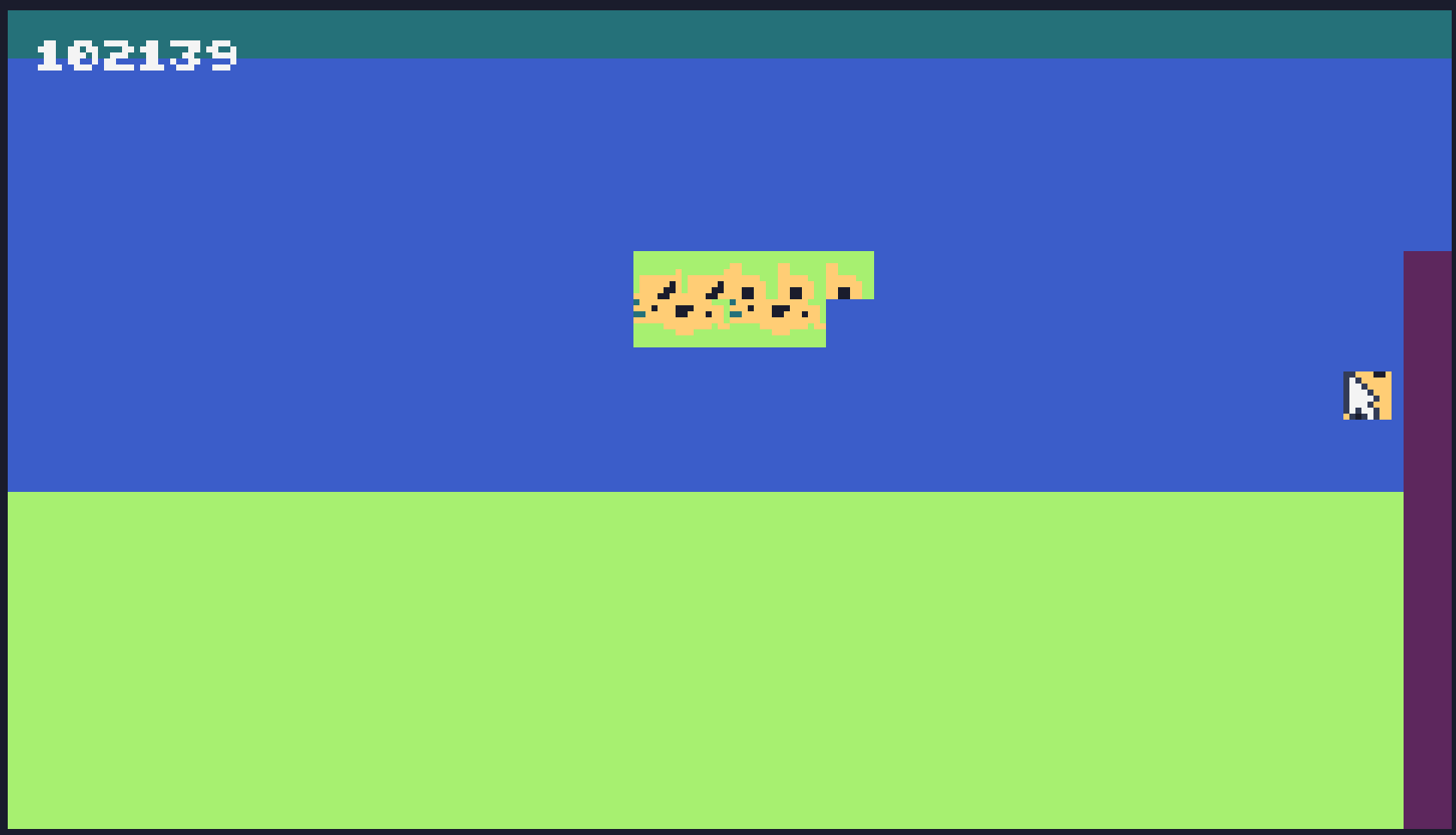
Bee Movie Files [HOPEFULLY FIXED THIS TIME}
2026-06-15
Bee Movie: The Hidden Conspiracy
2026-06-16
The Bee Movie Files [FIXED]
2026-06-15
The Bee Movie Files
2026-06-15
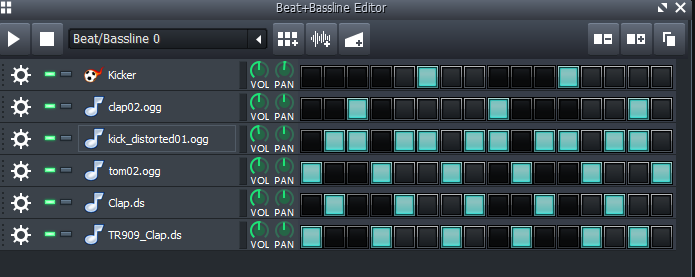
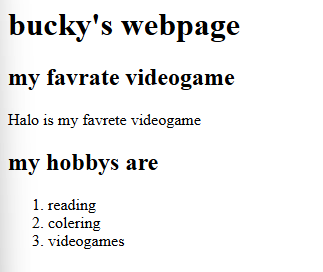
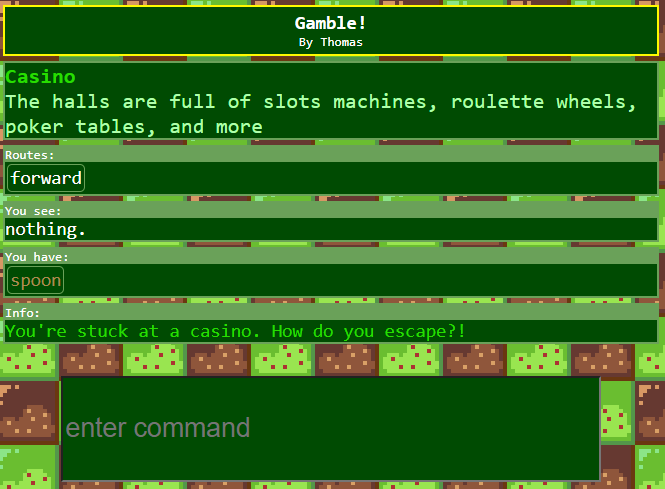
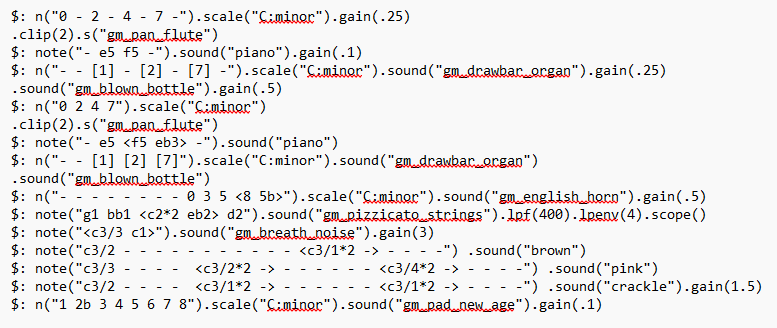
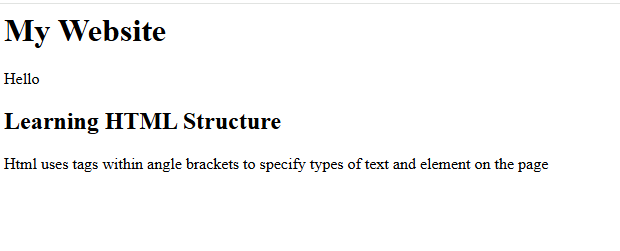
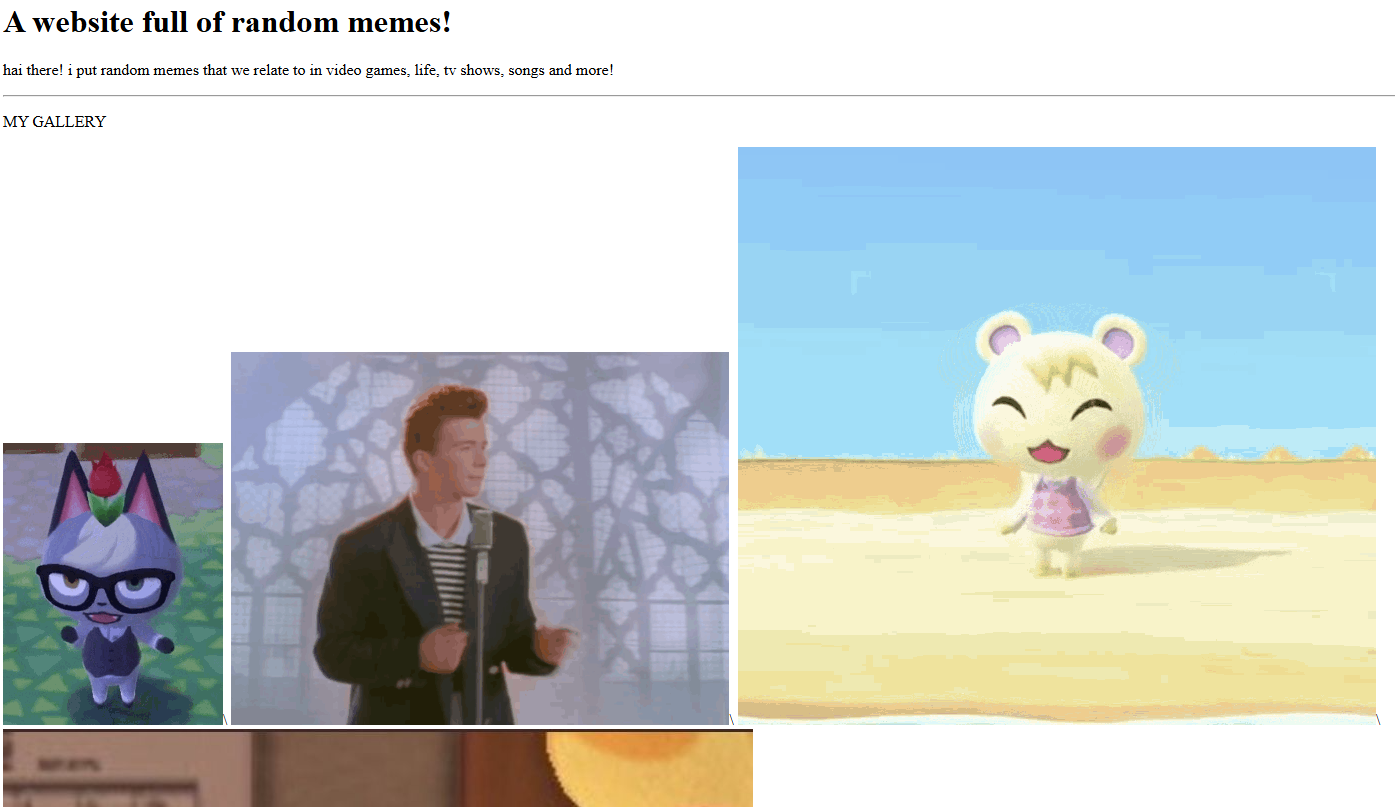

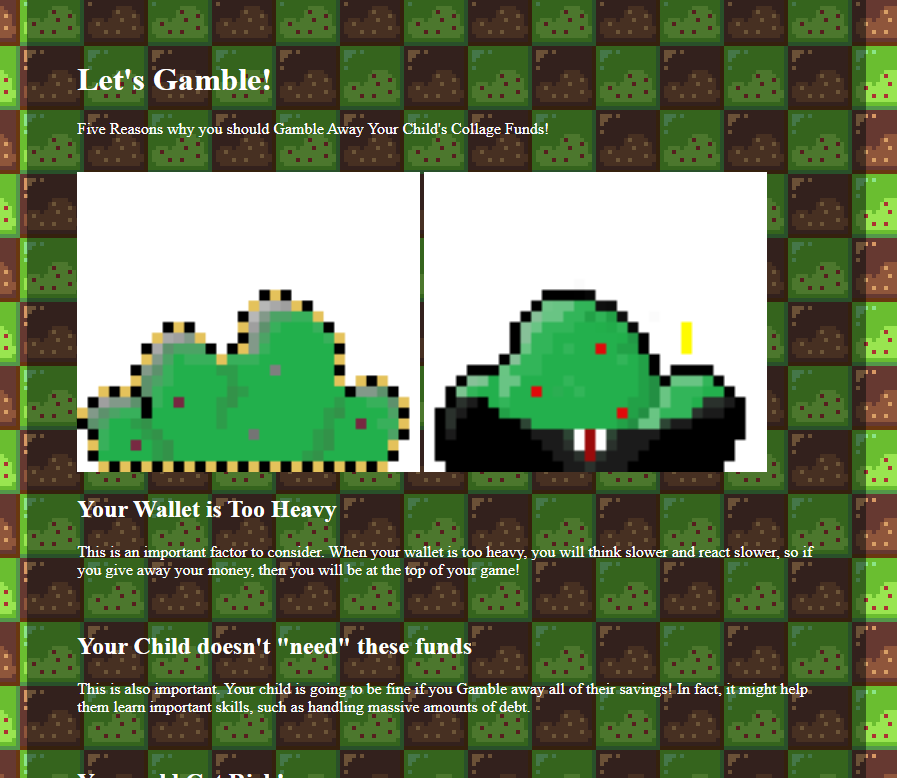
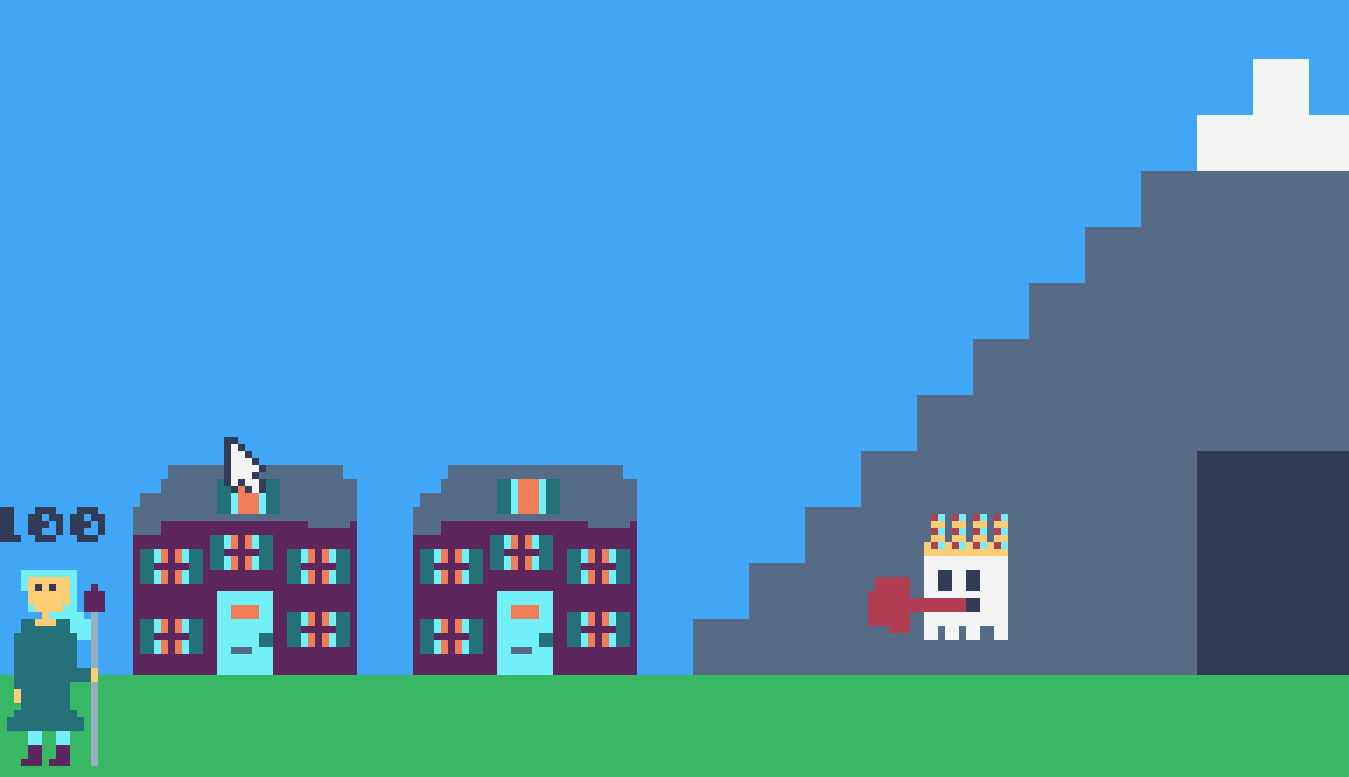
_dumb nut tries coding for the 50th time_2026-06-15/image.png)
Intro To Gamedev (June 2026)
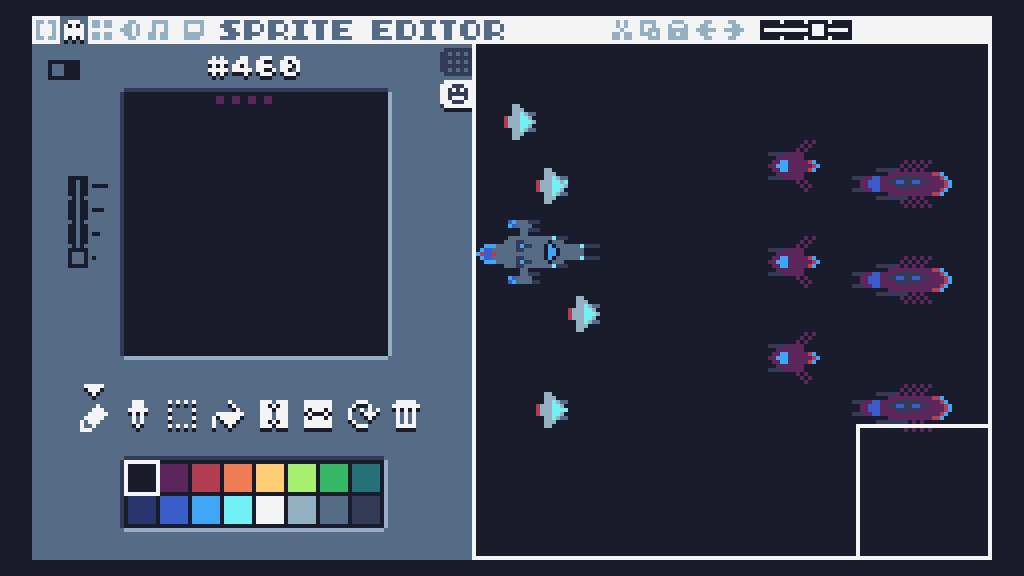
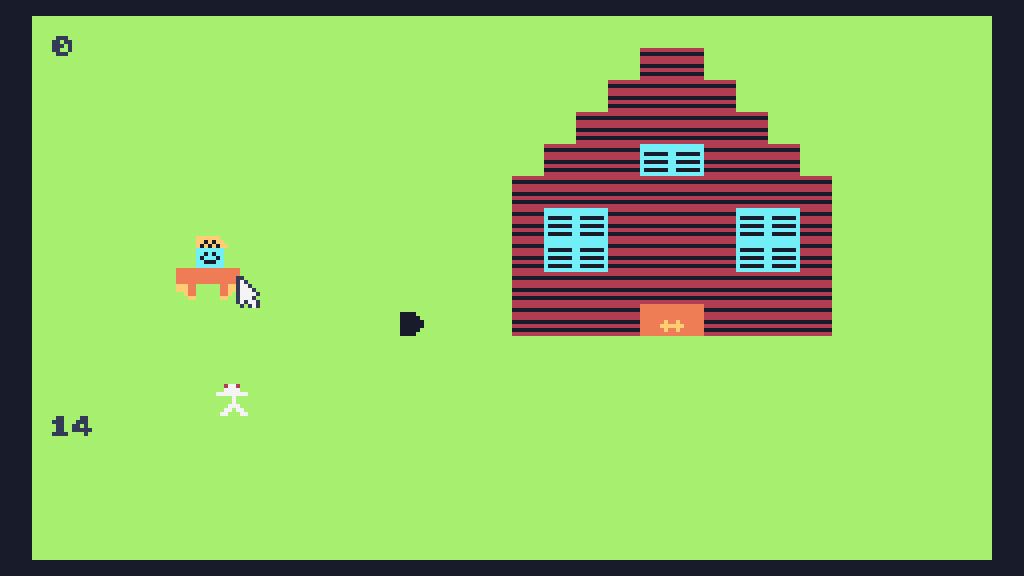
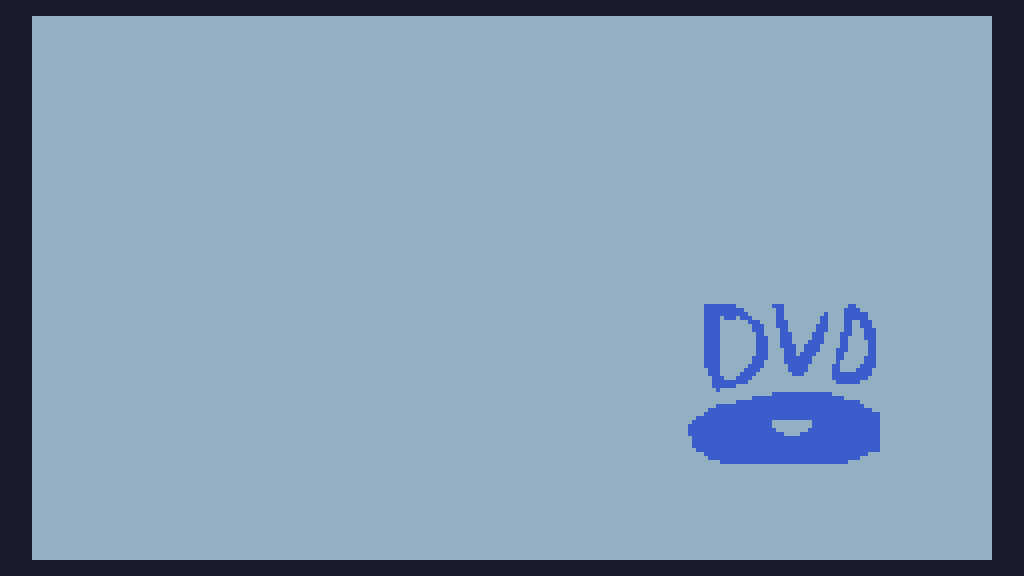
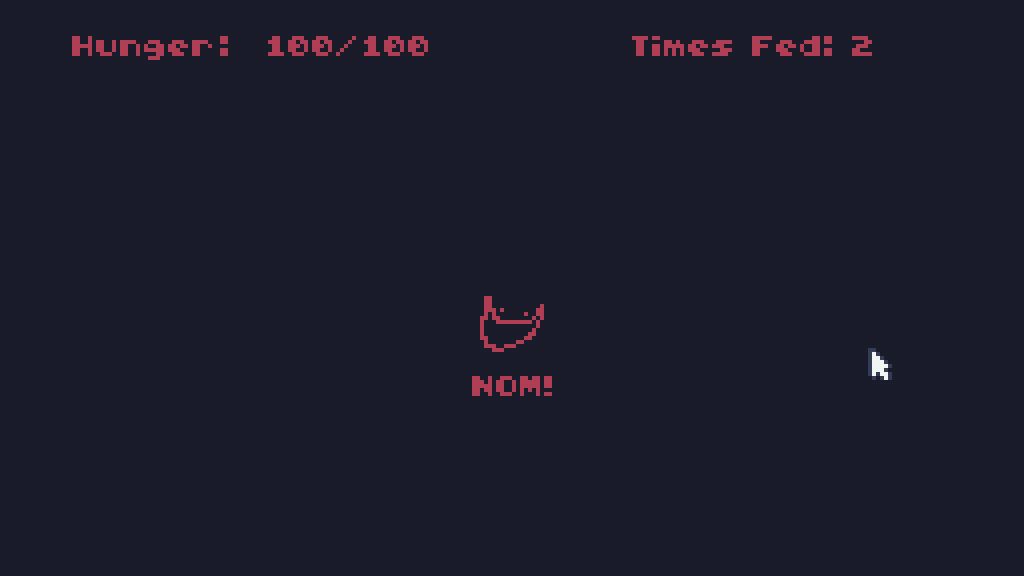
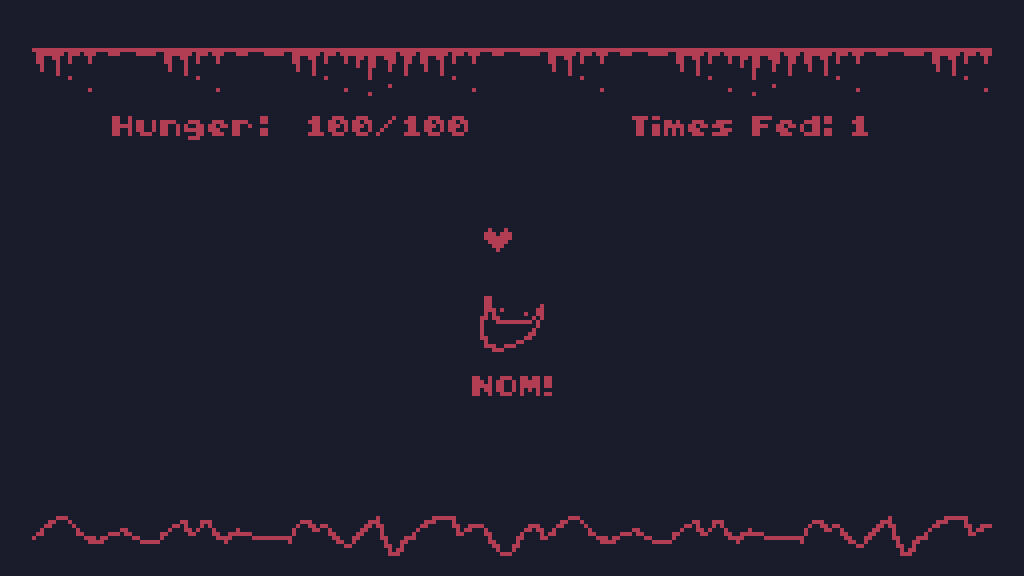
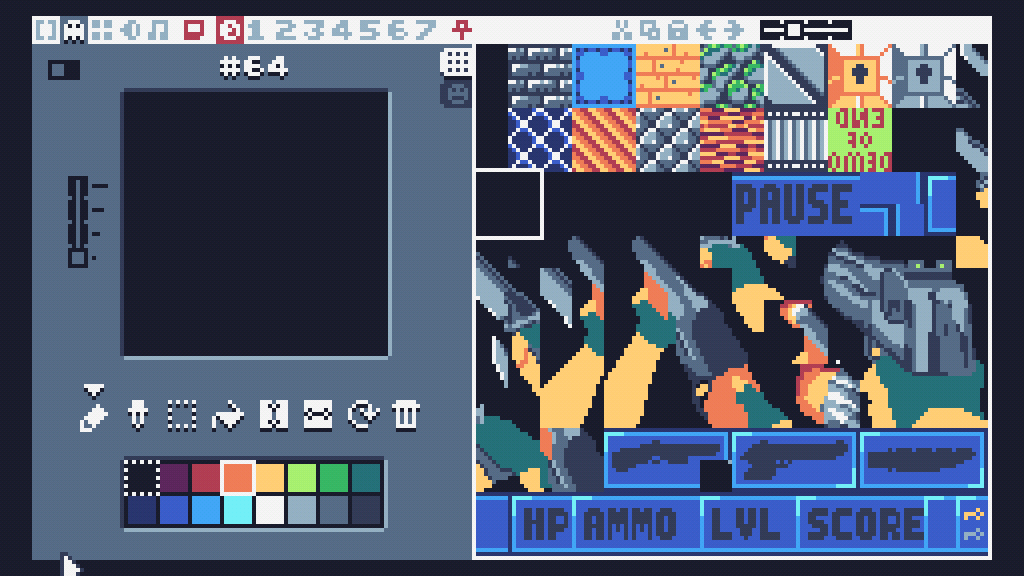

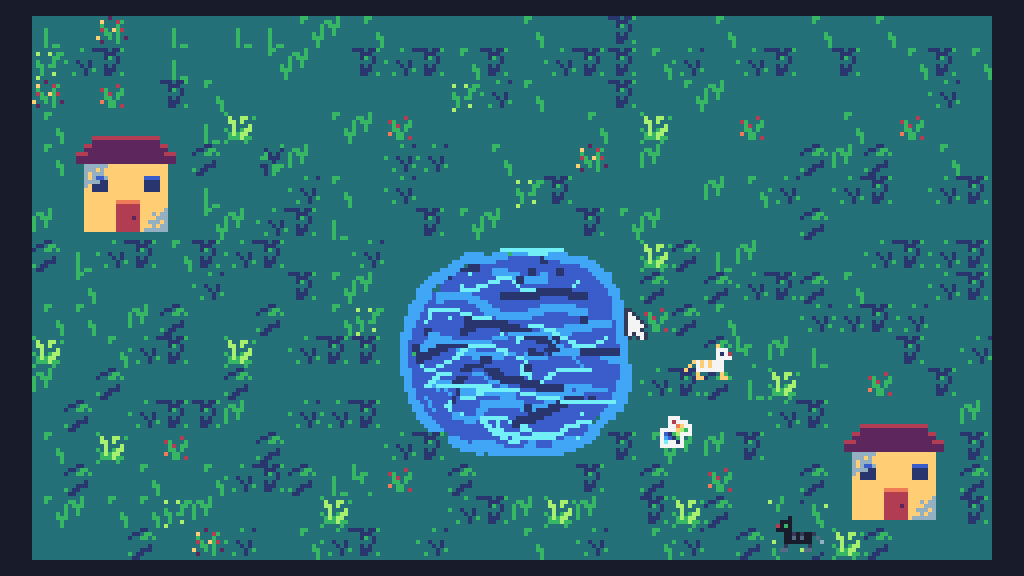
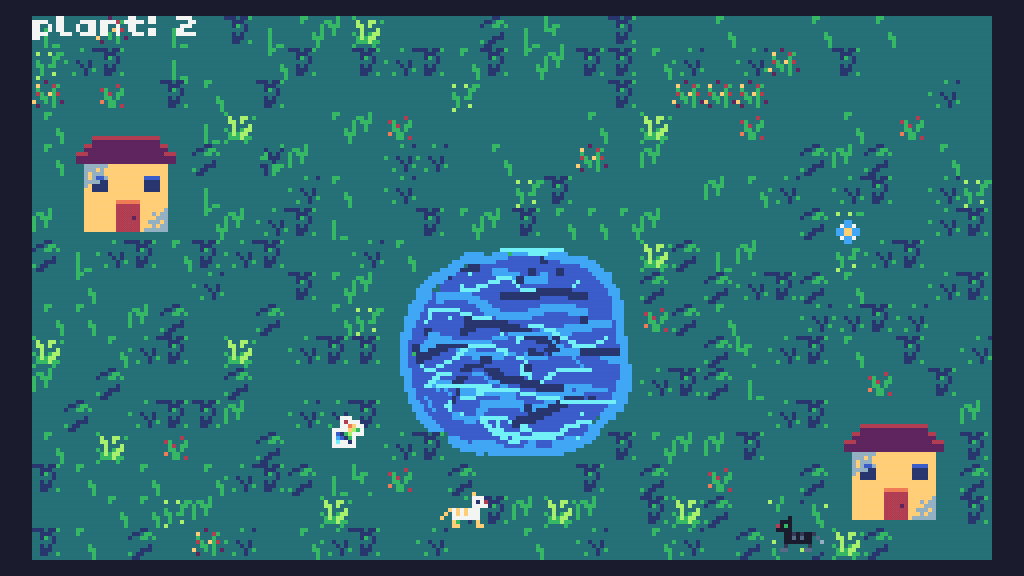
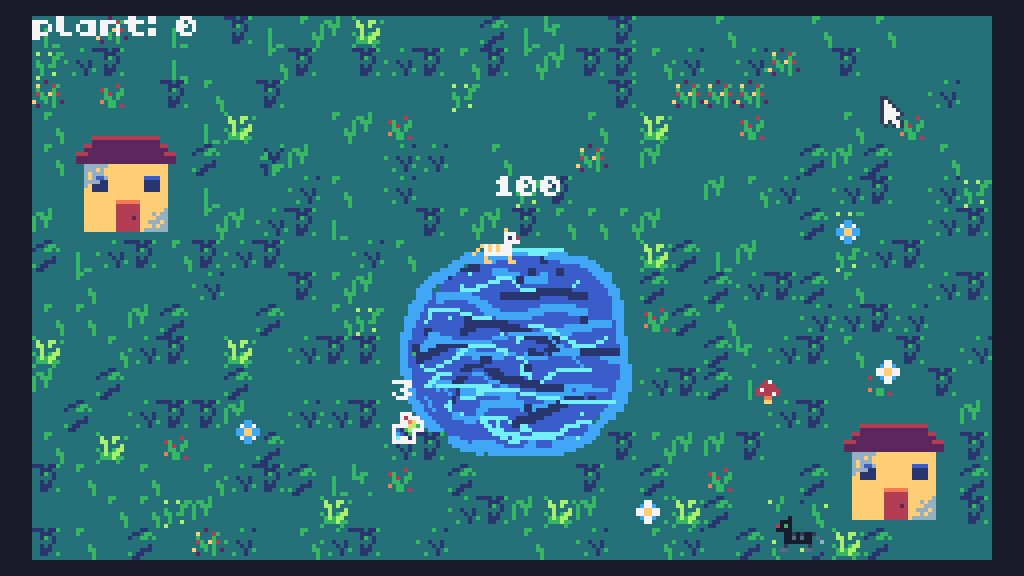
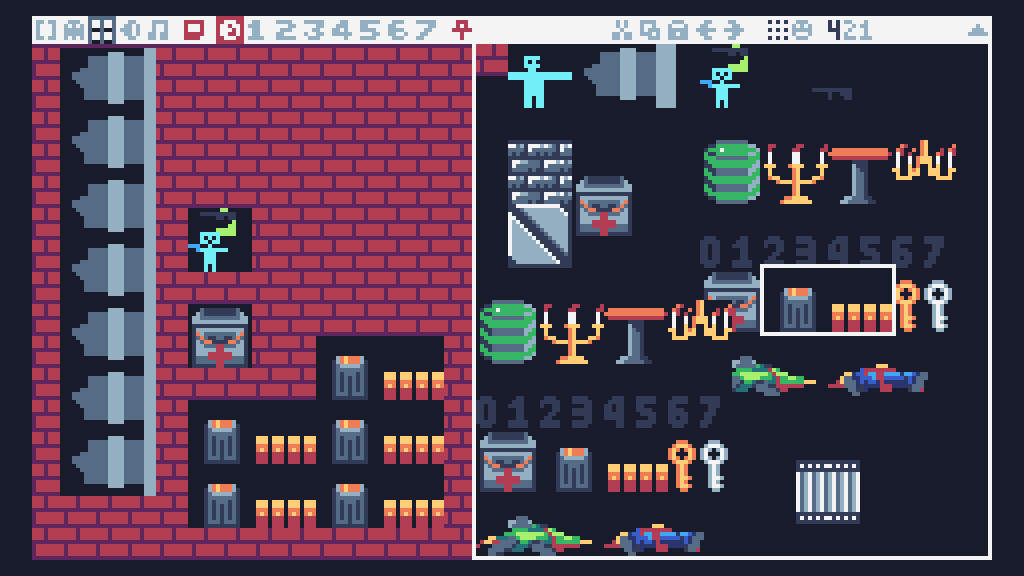
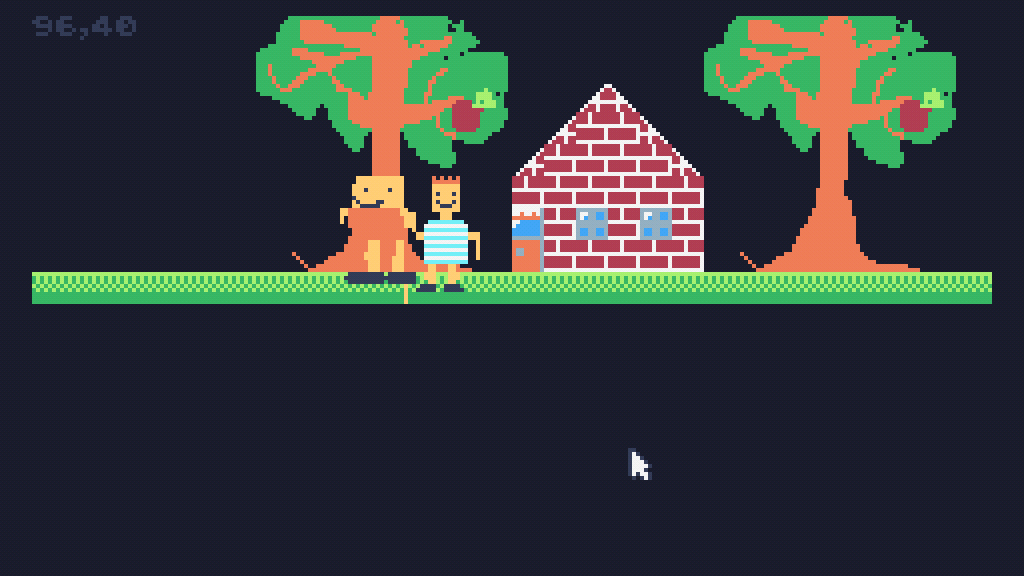
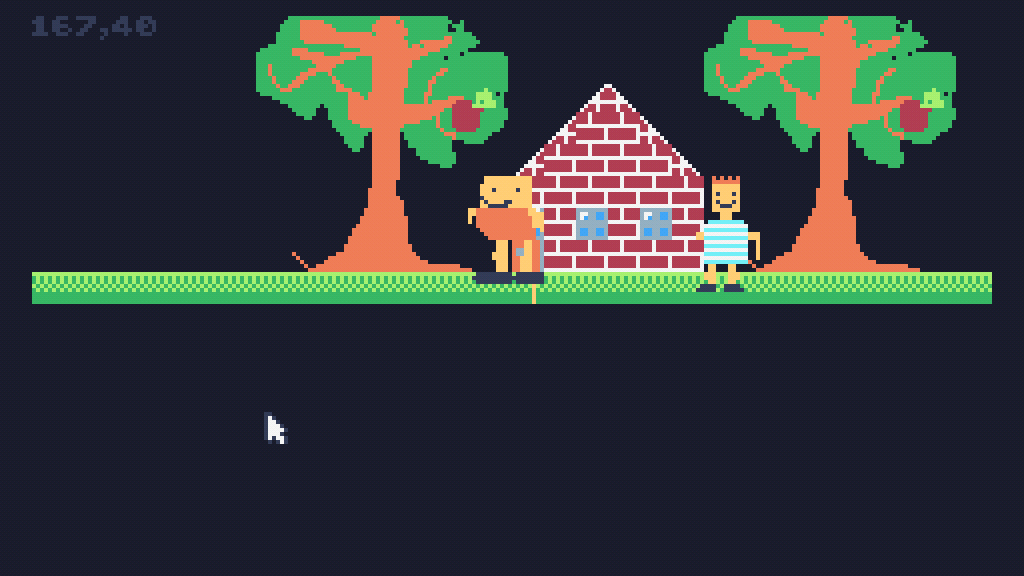
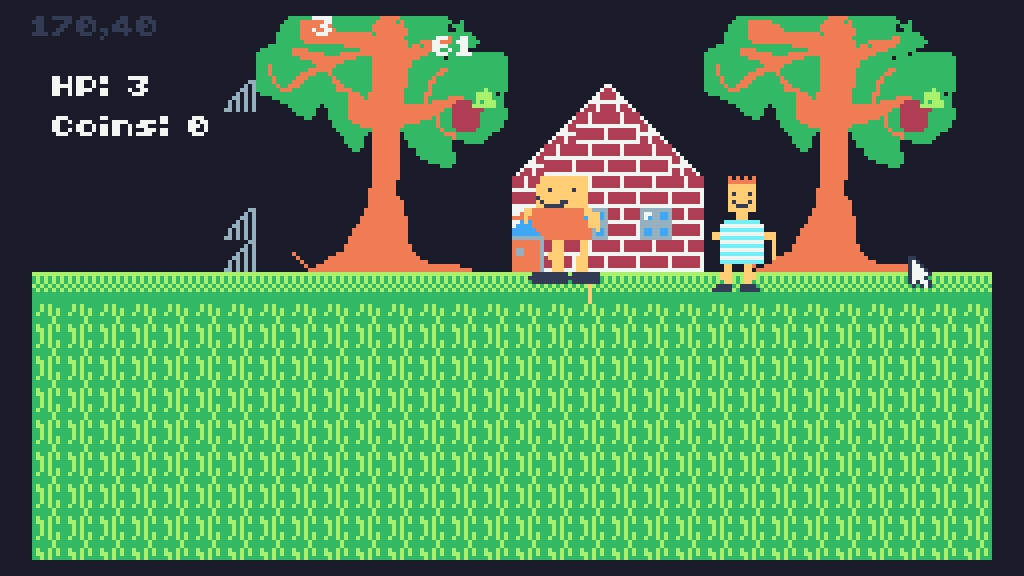
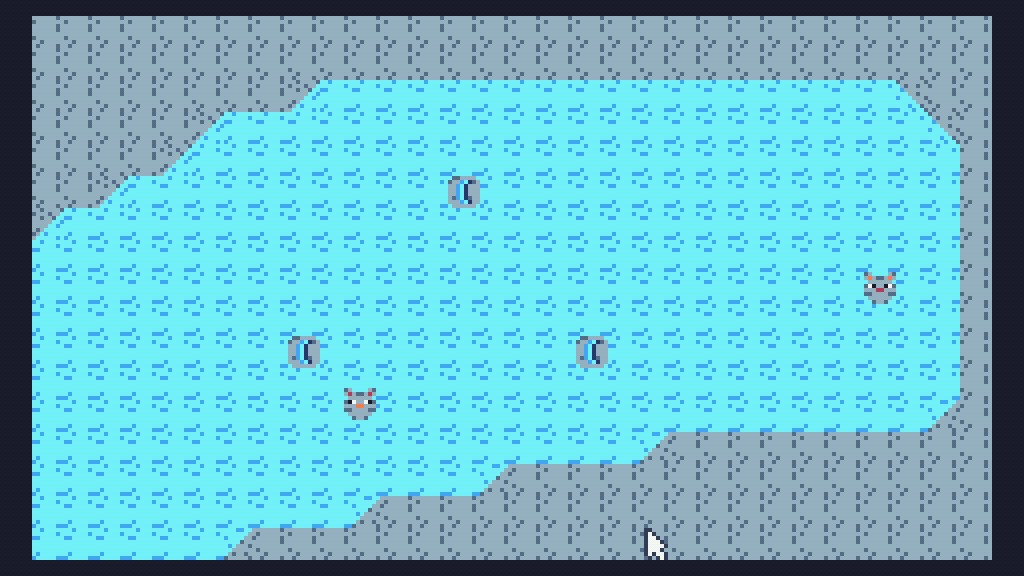
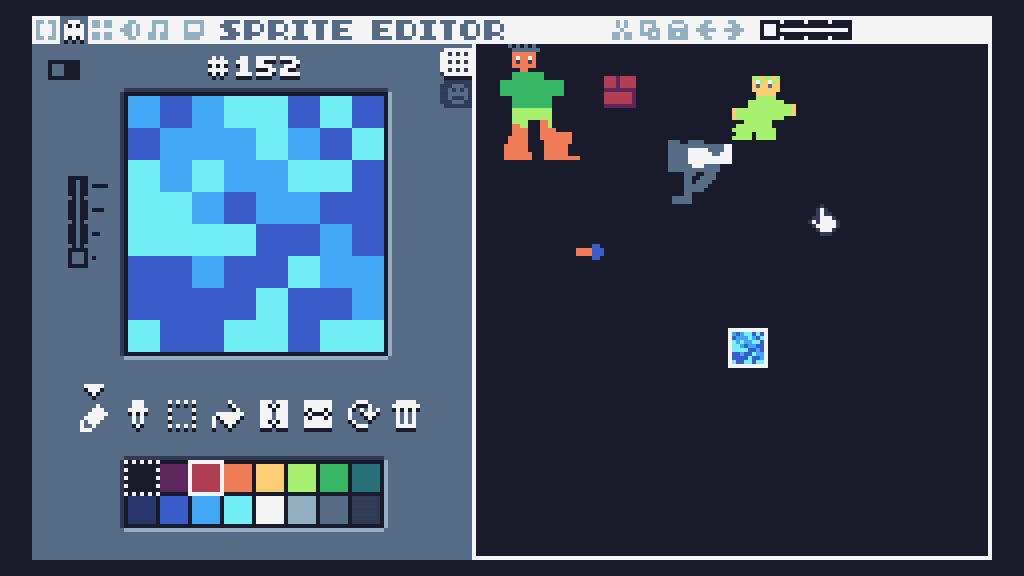
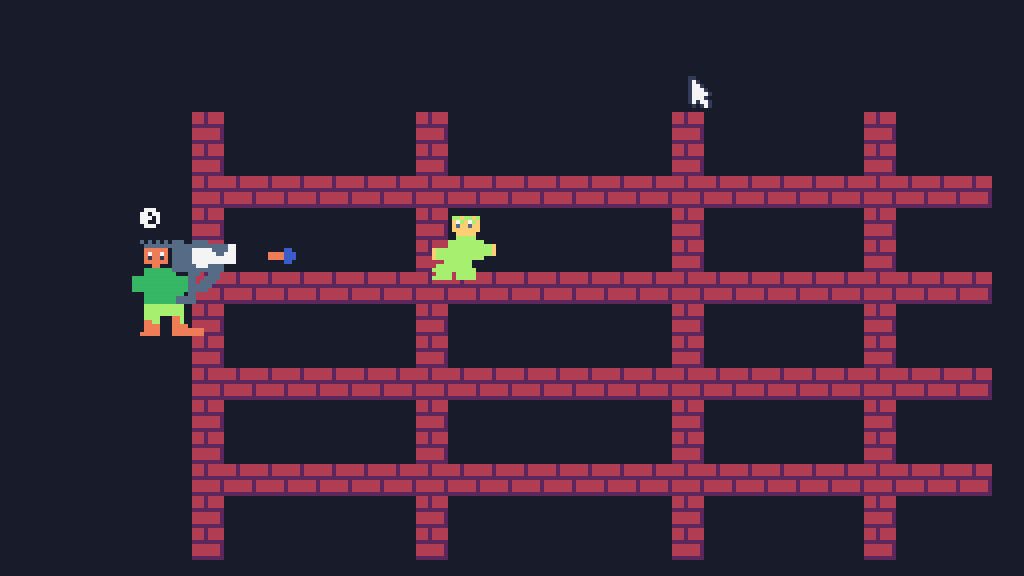
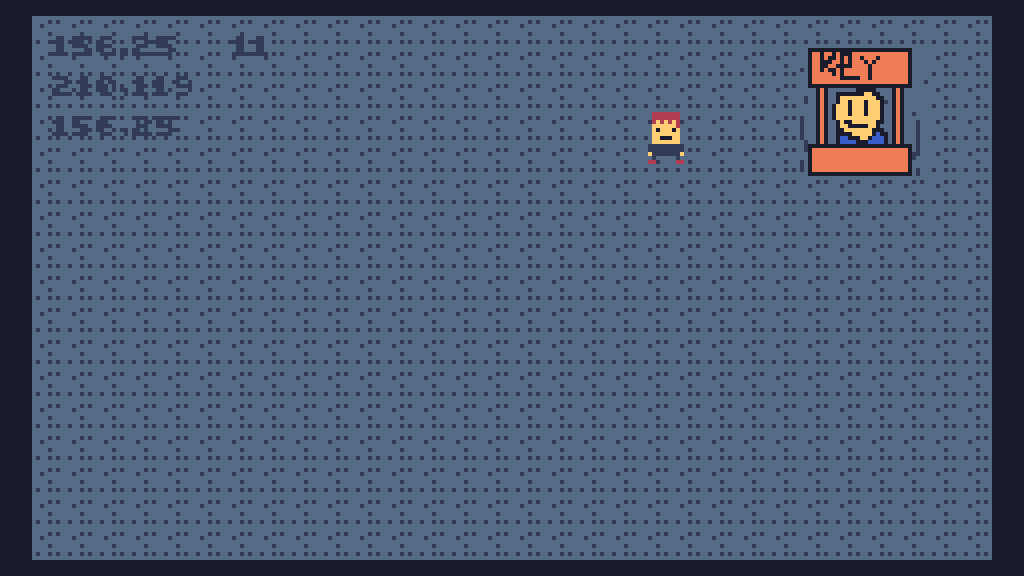
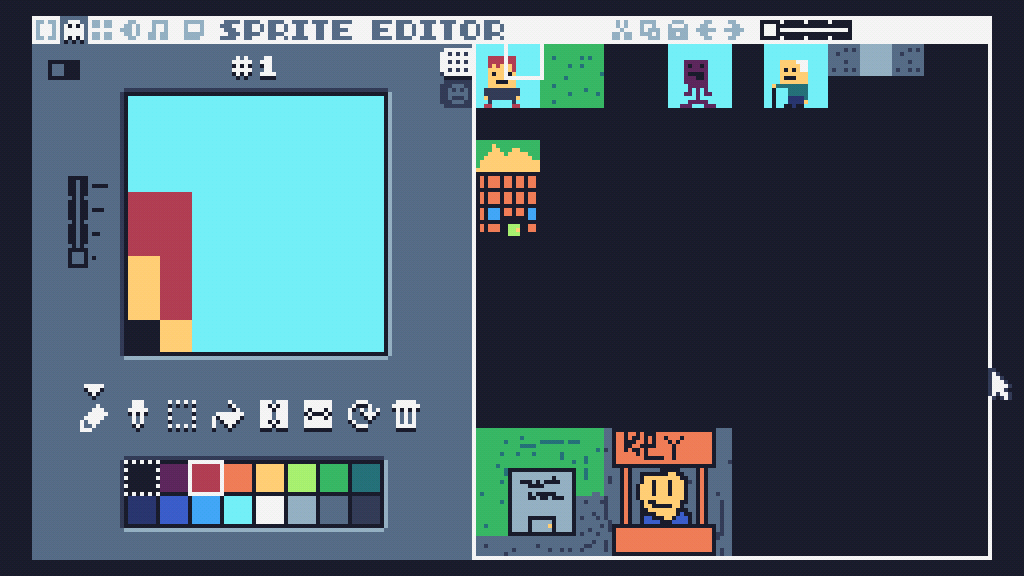
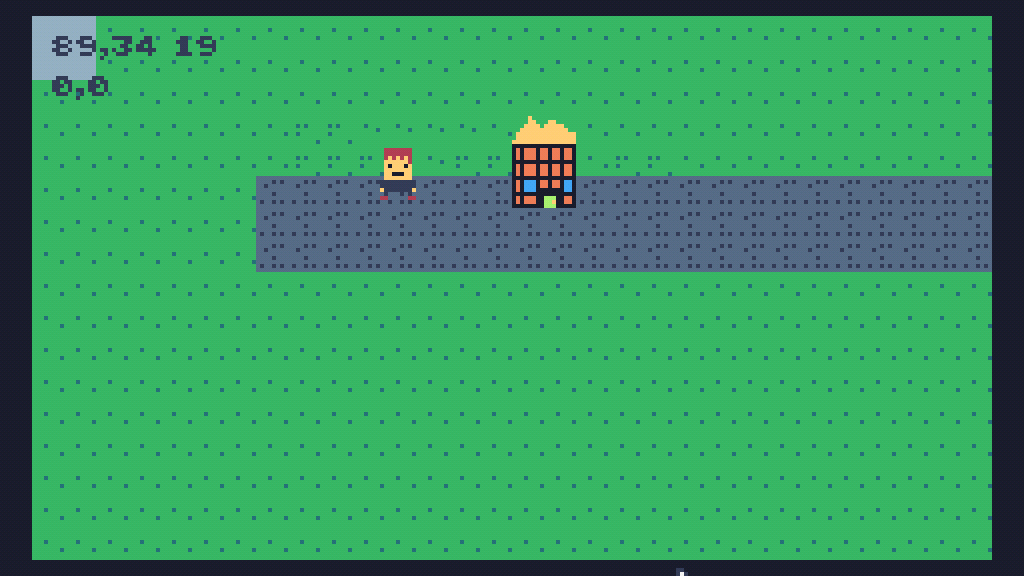
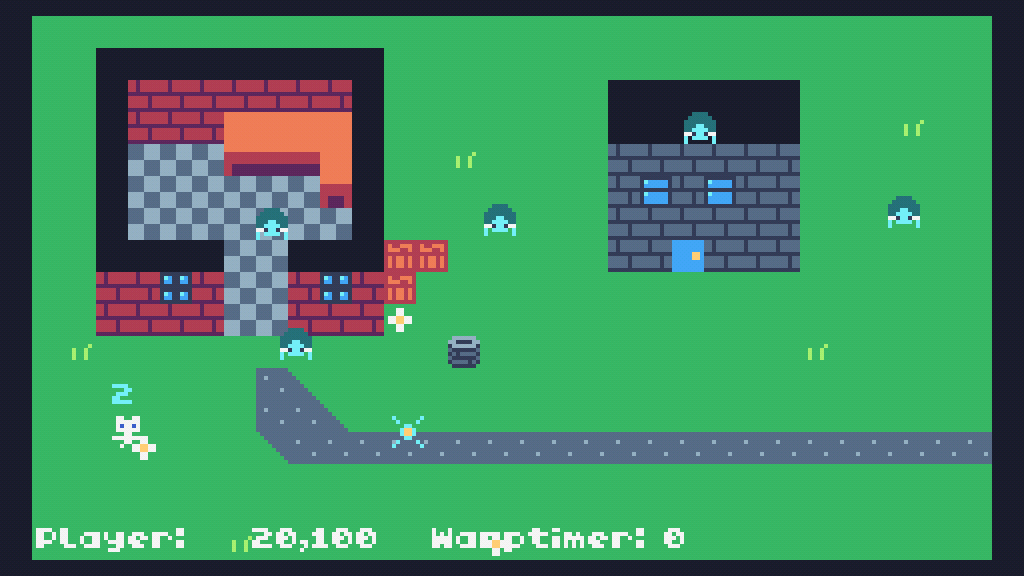
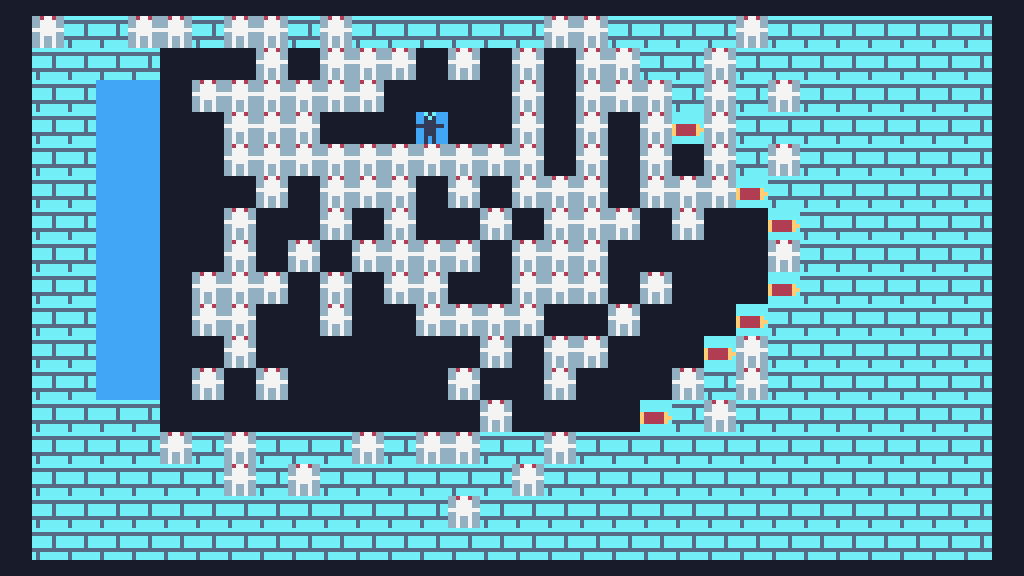
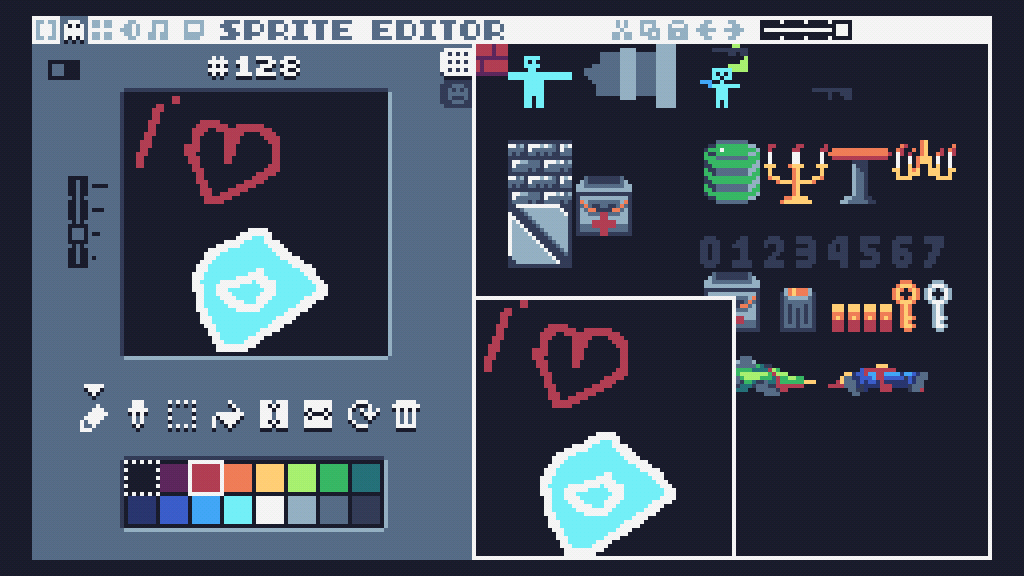
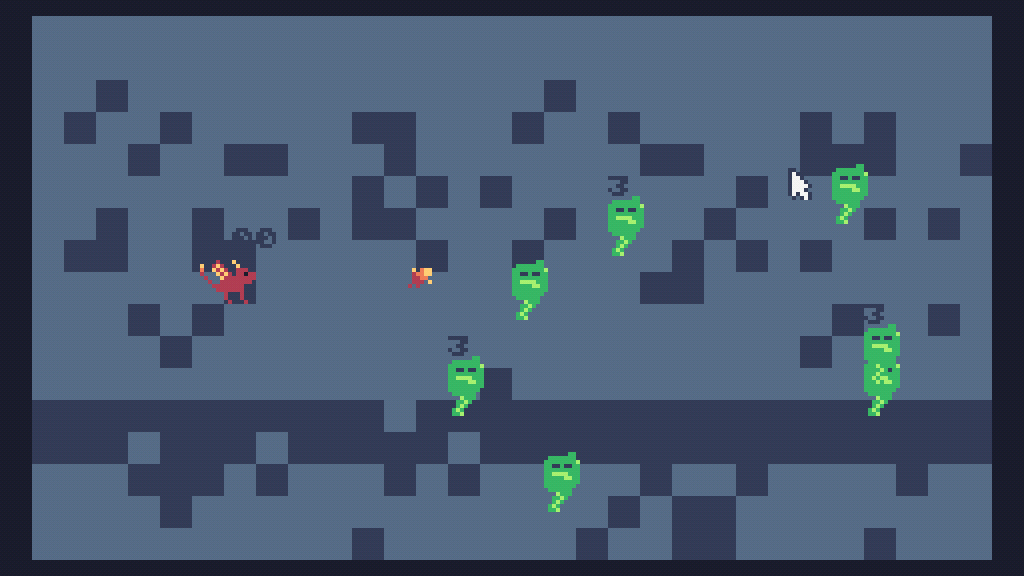
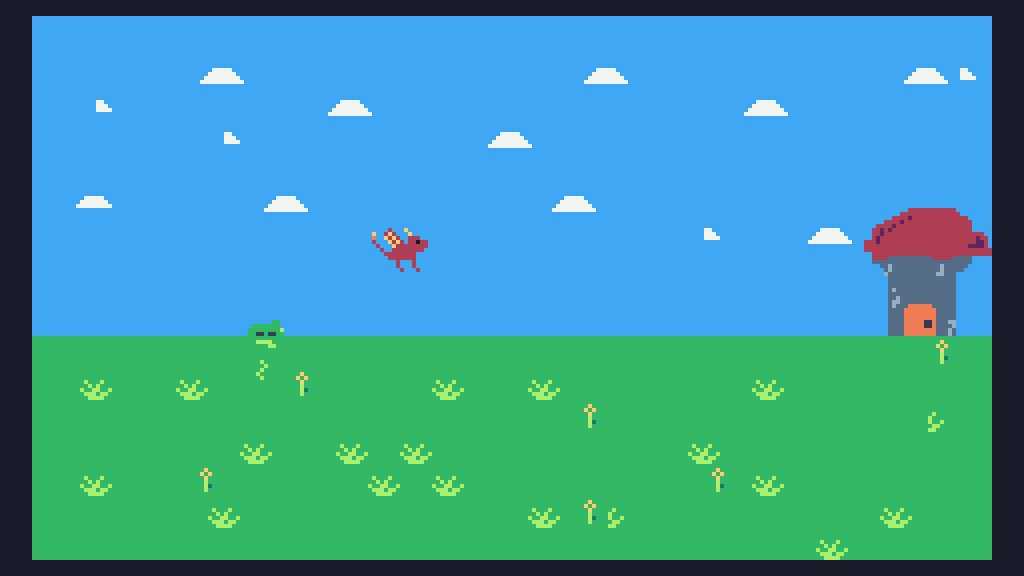
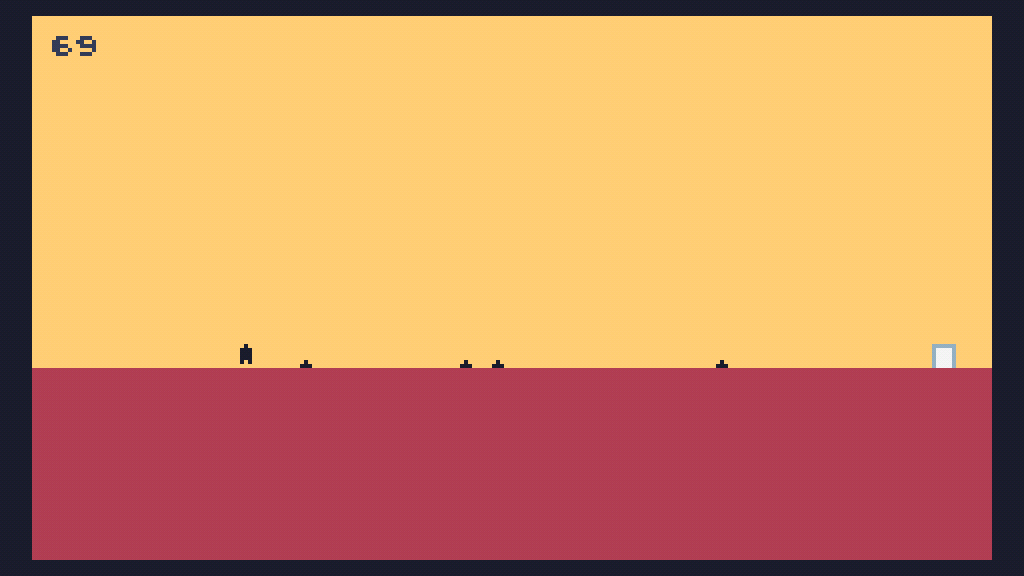
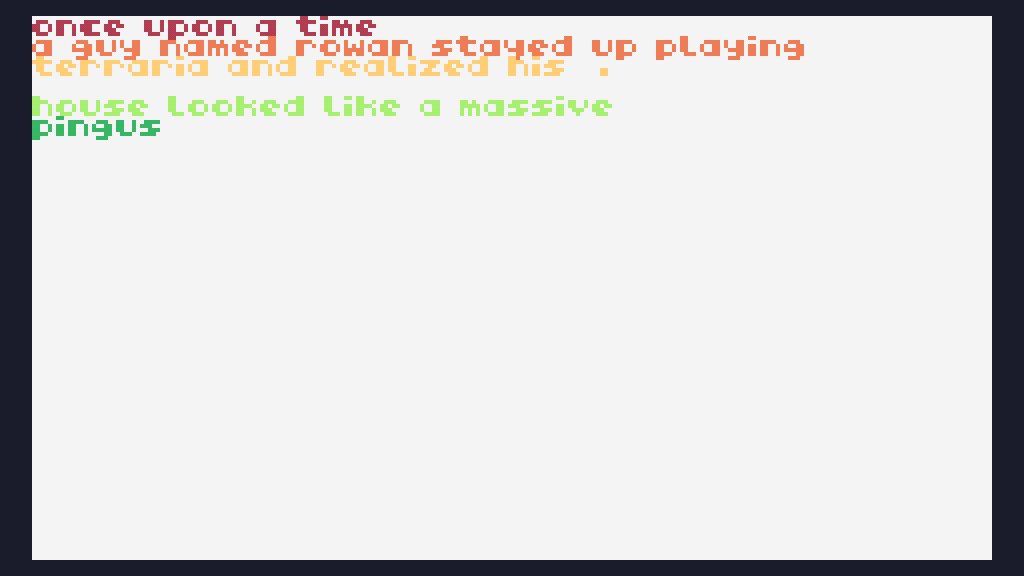
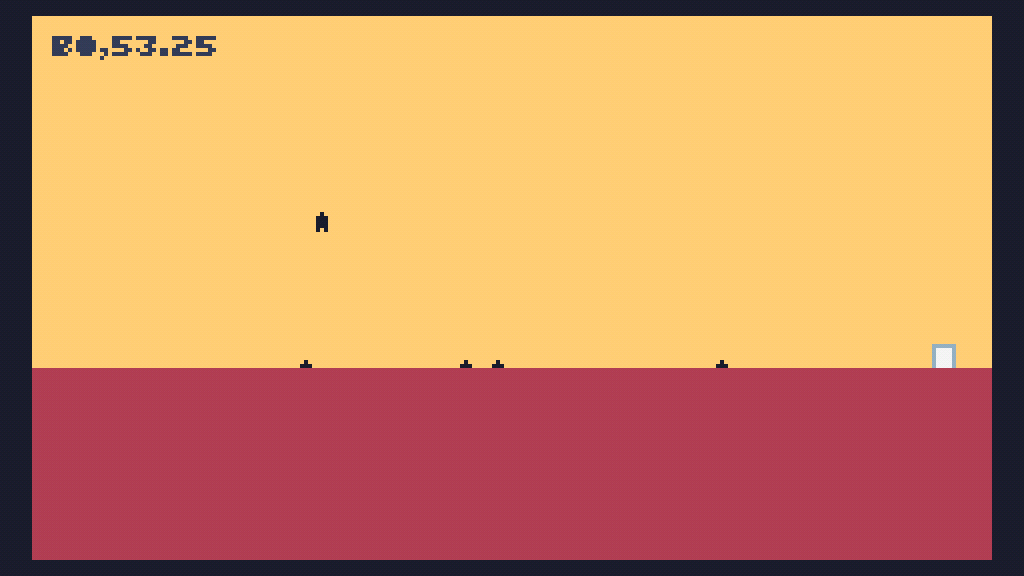
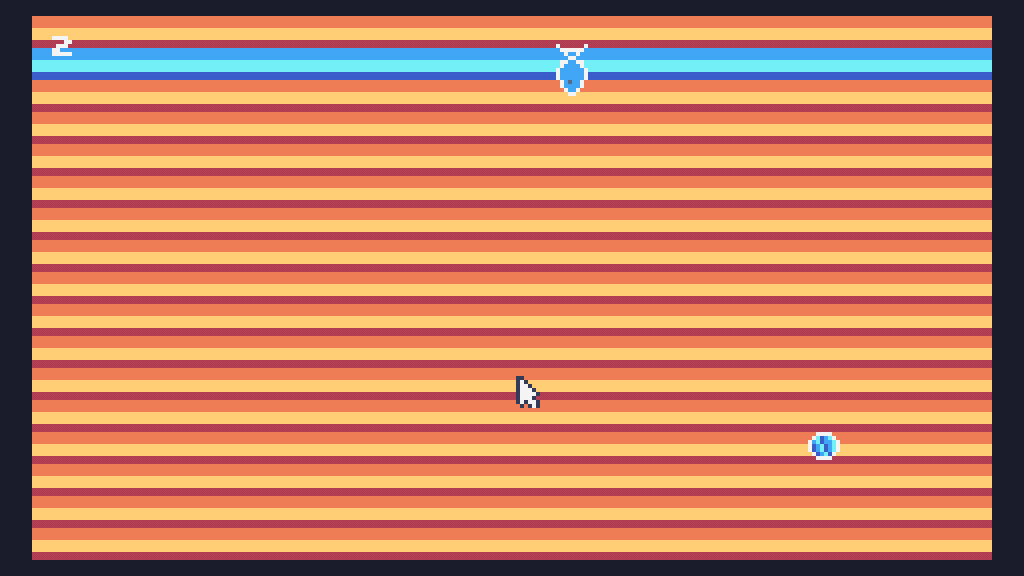
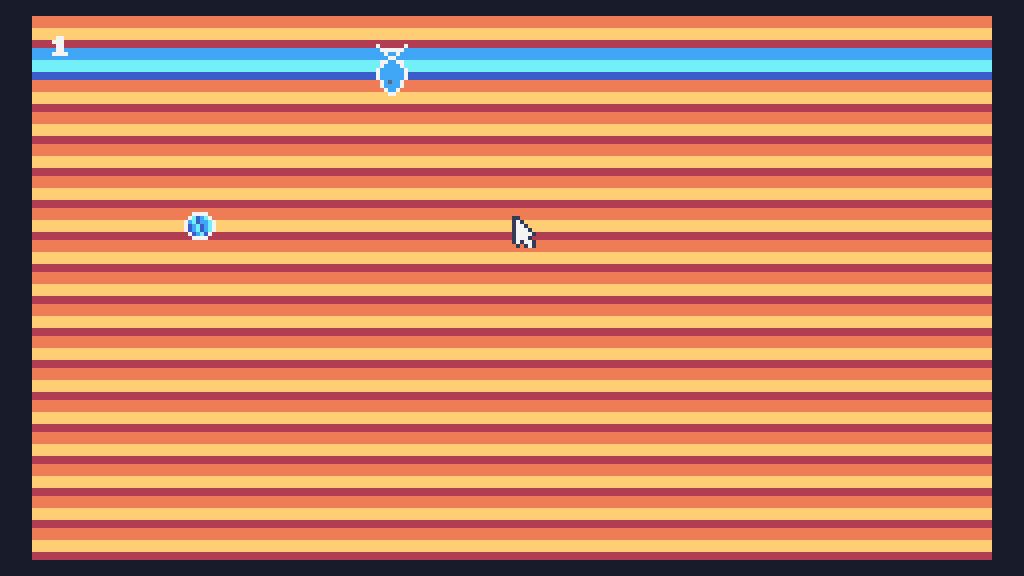
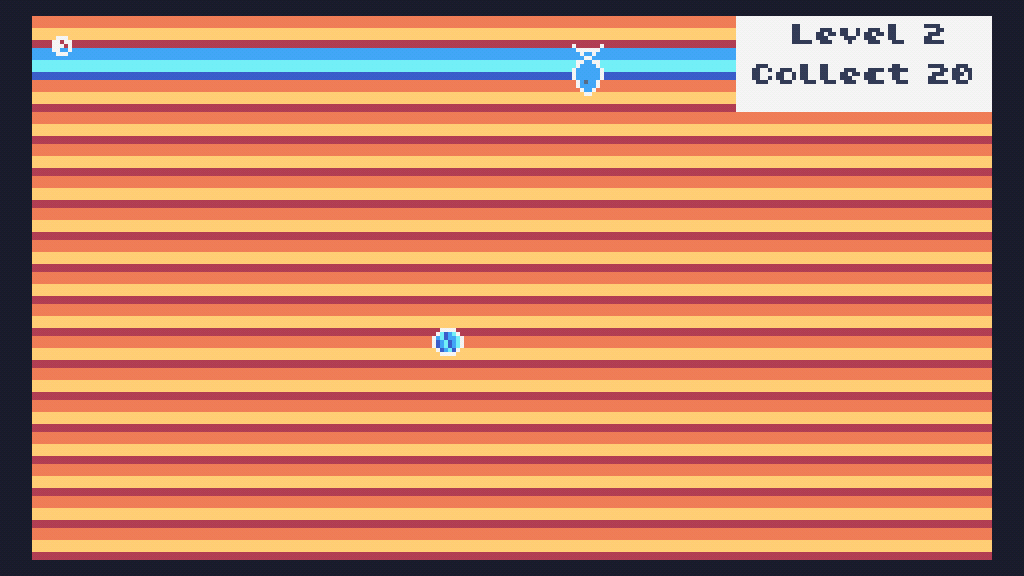
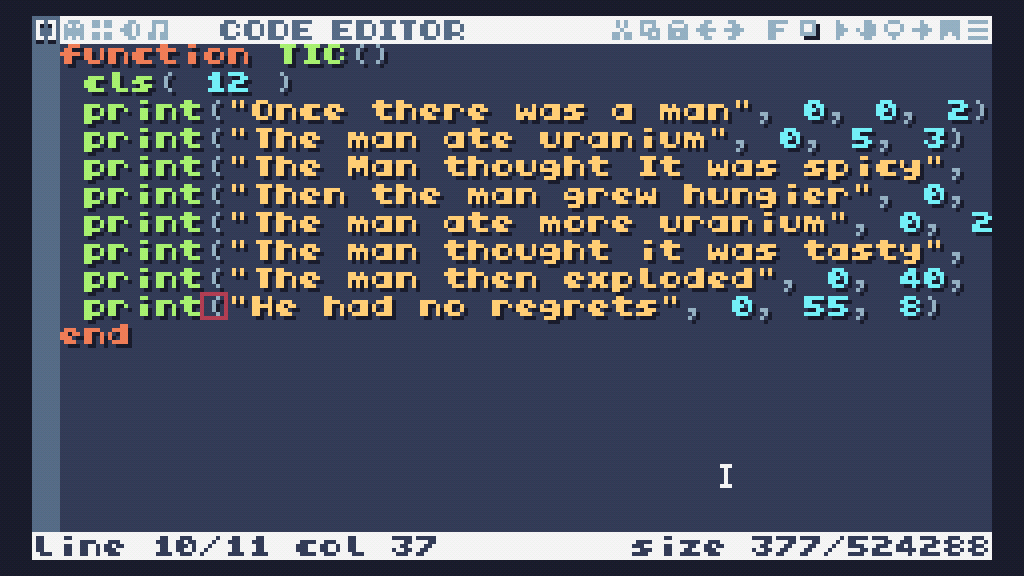
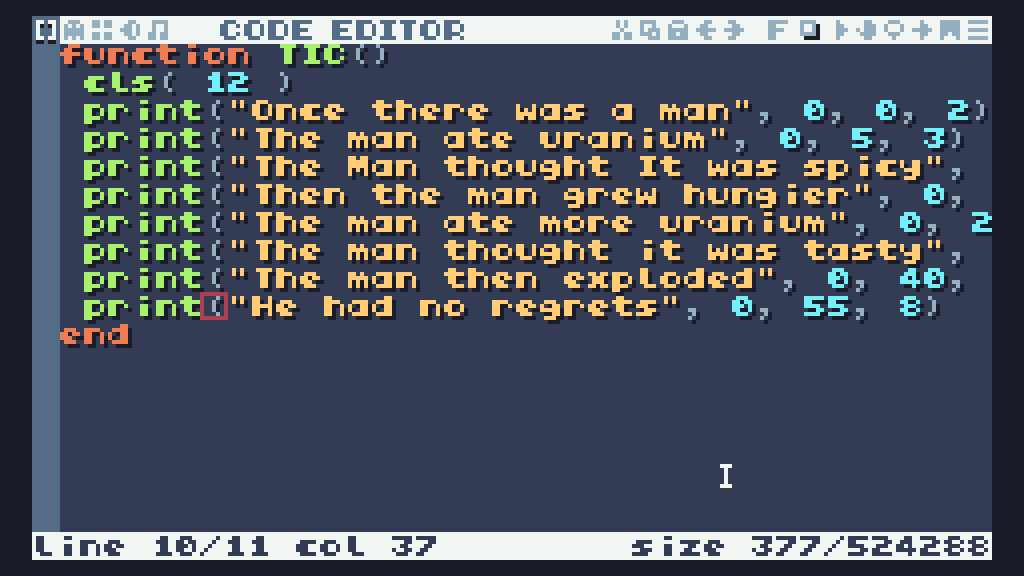
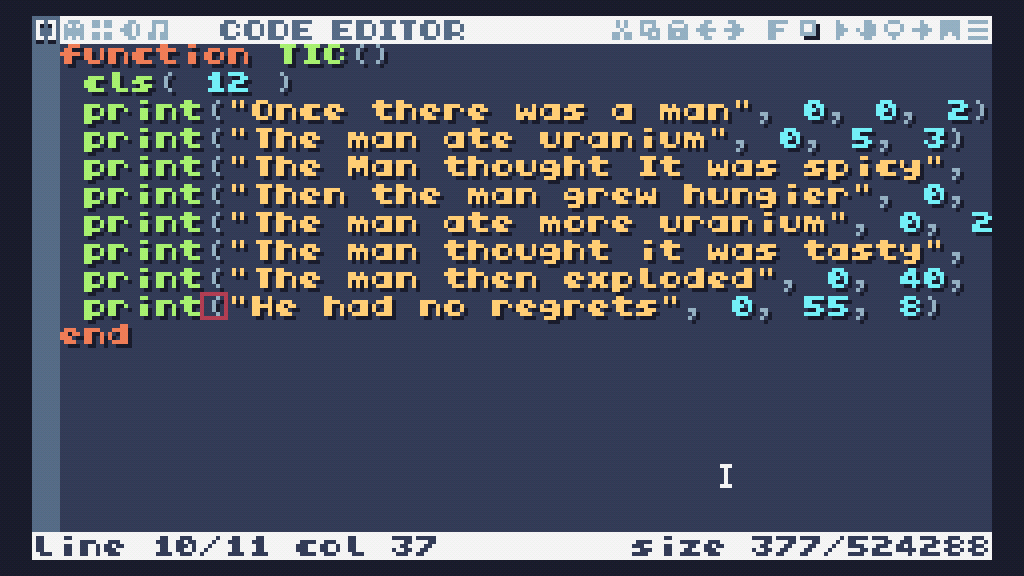
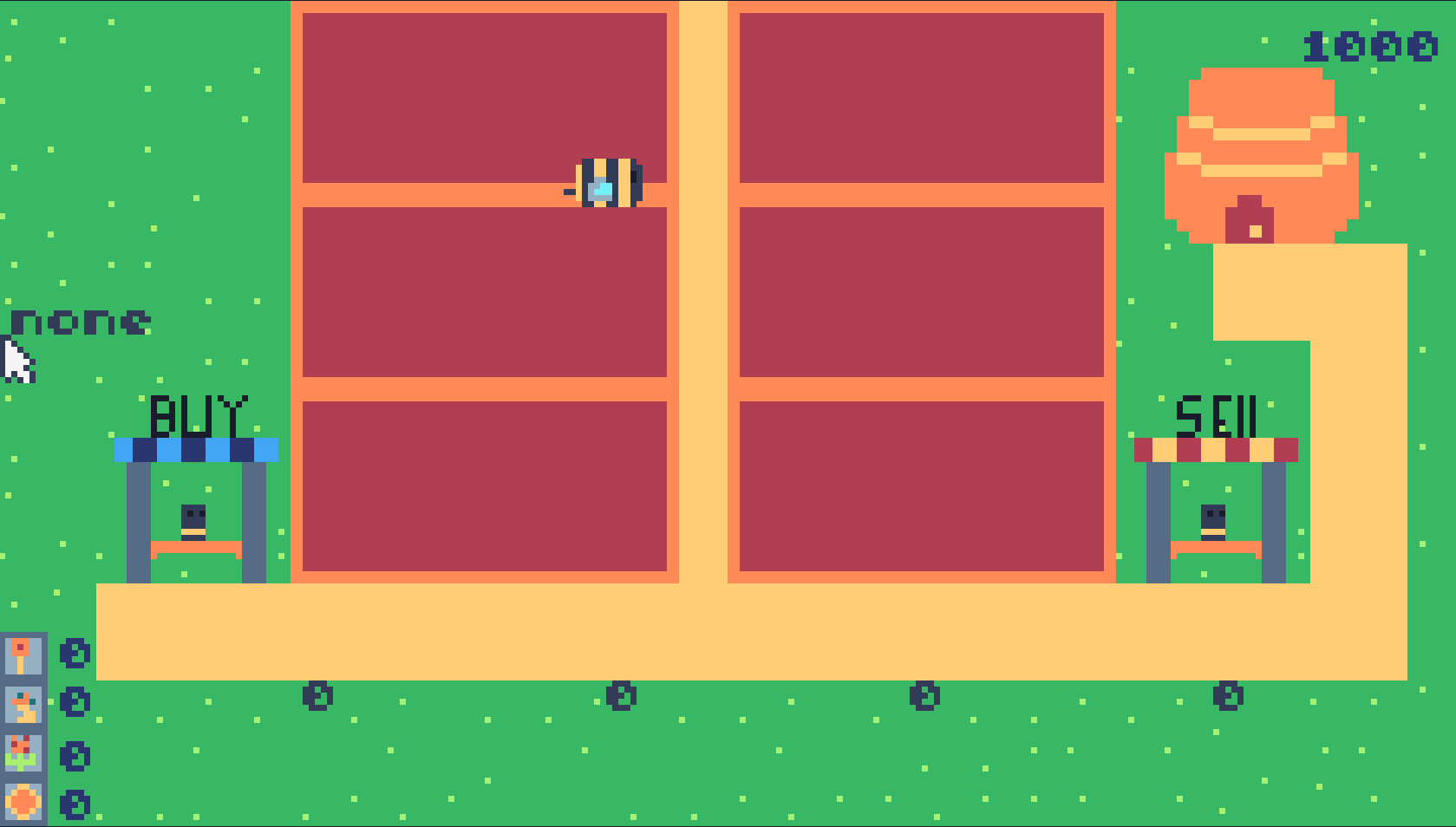
Unfinished Duck Game V4
2026-06-04
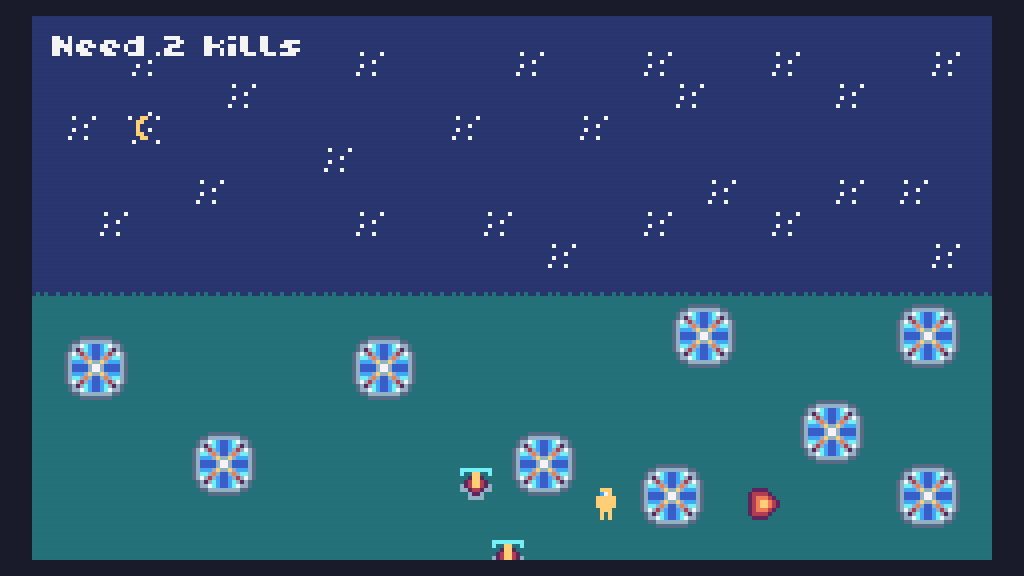
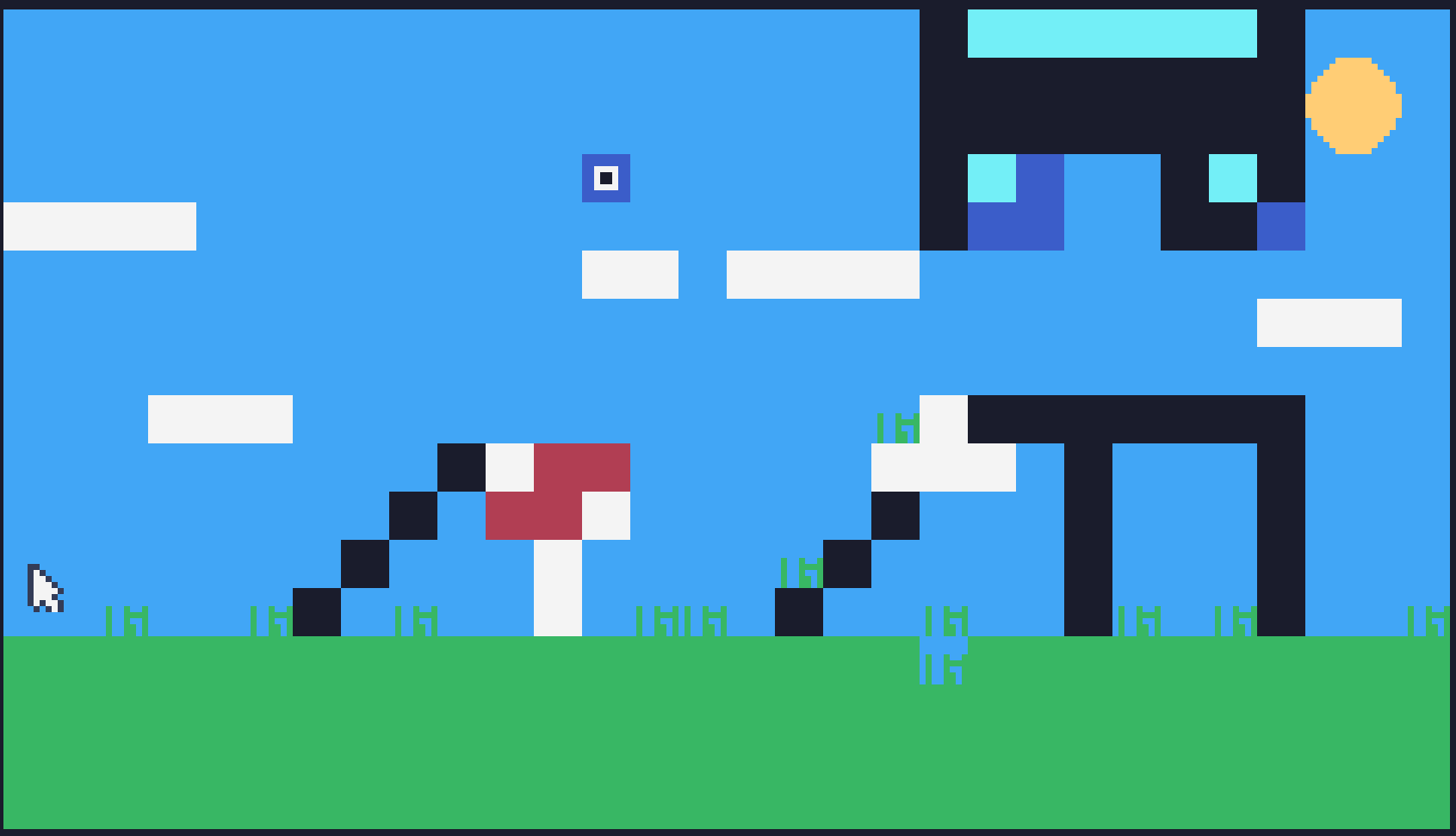
_2026-06-04/image.gif)
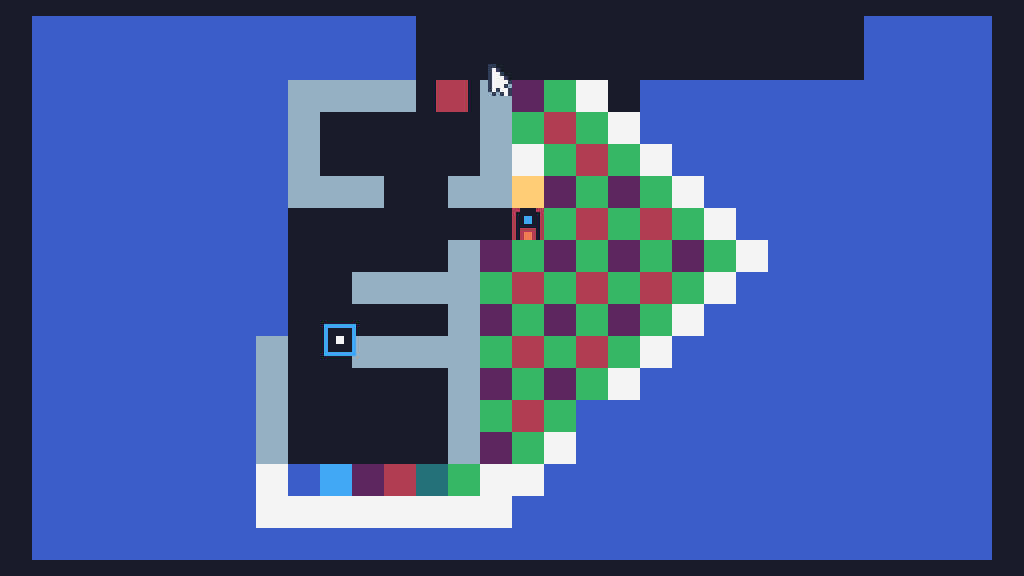
Creative Coding (July 2025)
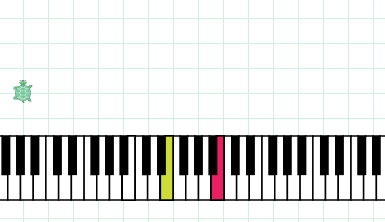
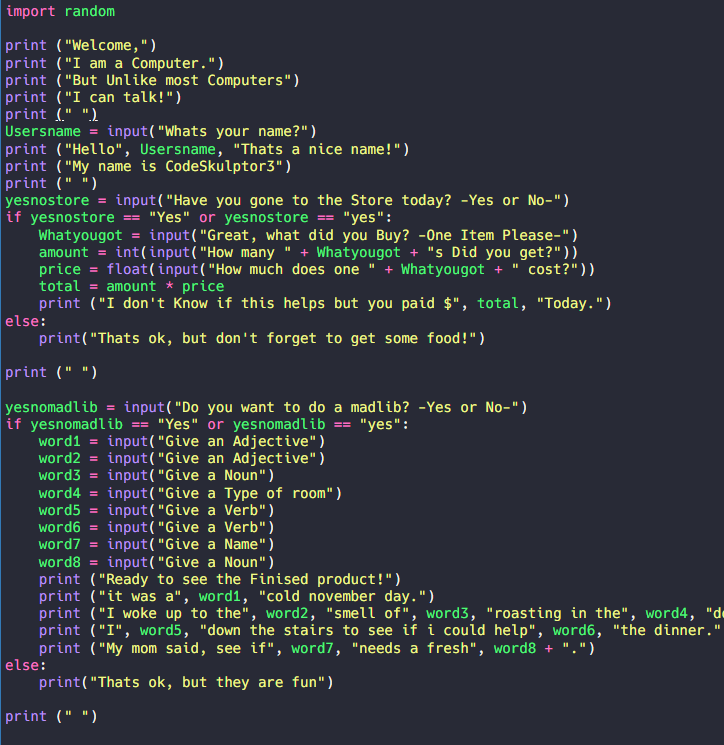
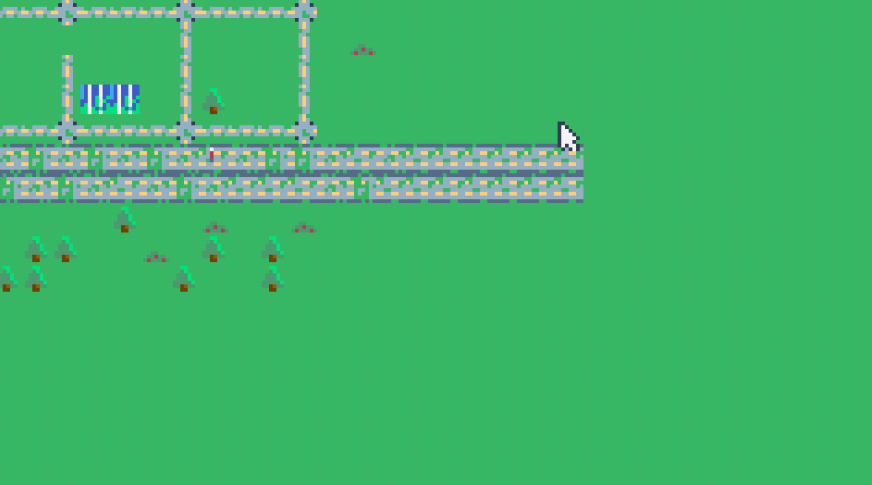
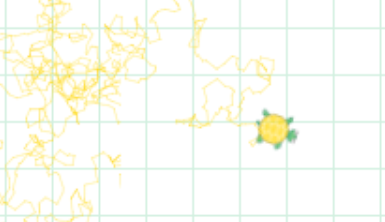
_2025-07-31/v2_image.png)
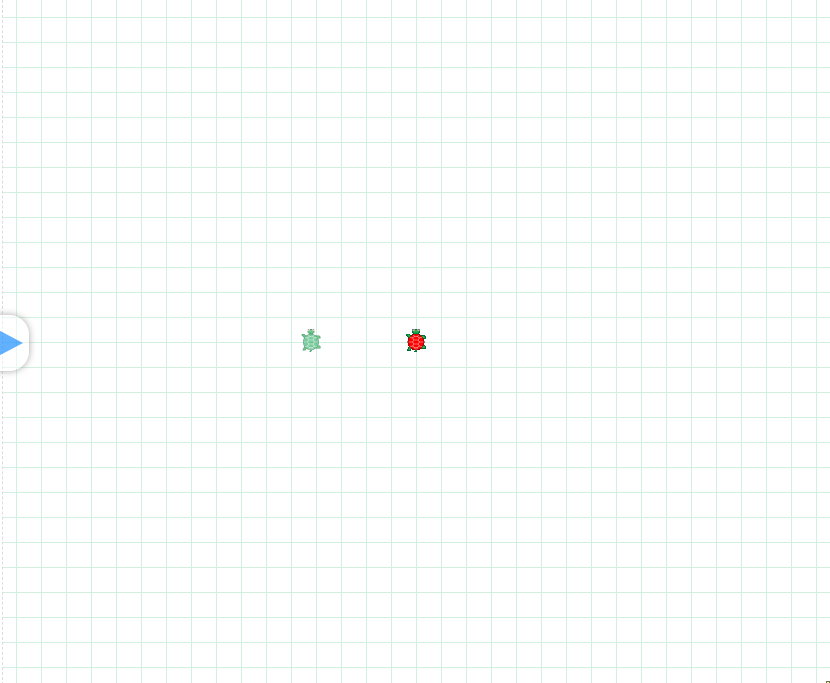
_2025-07-29/image.png)
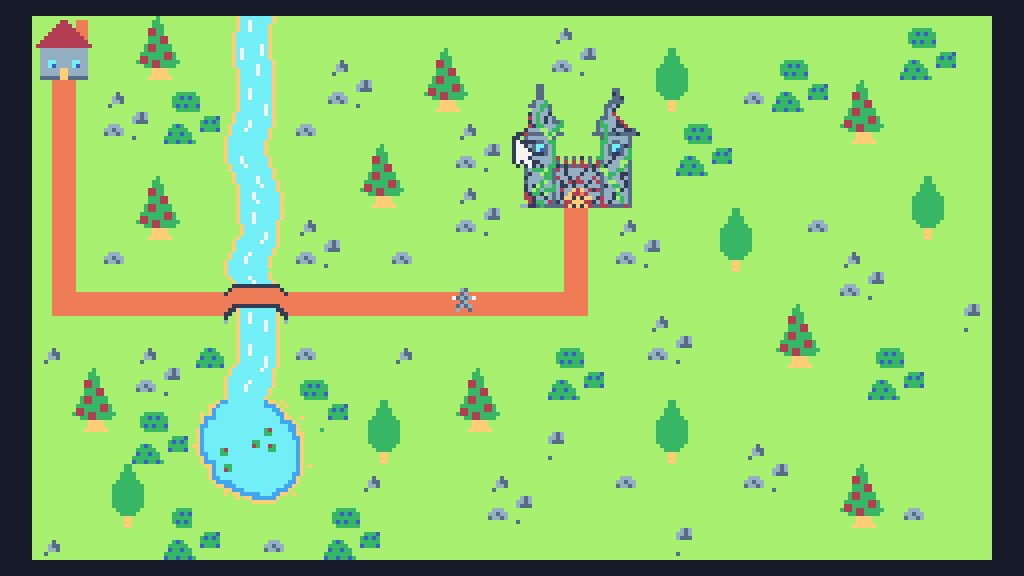
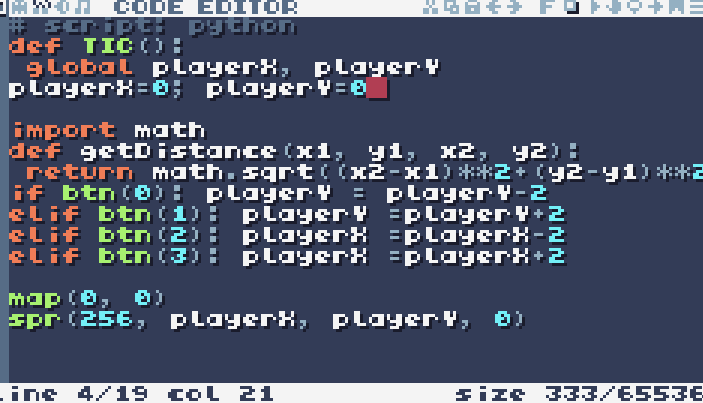

McDonalds
2025-07-29
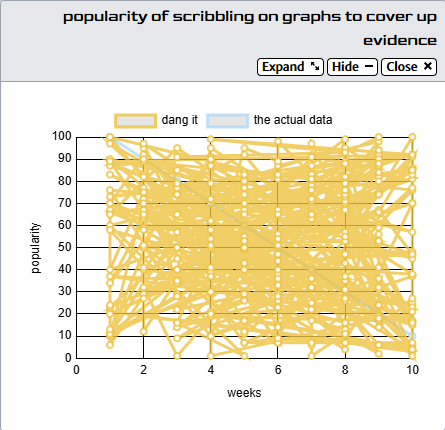
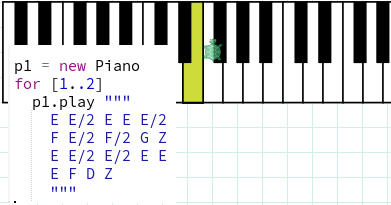
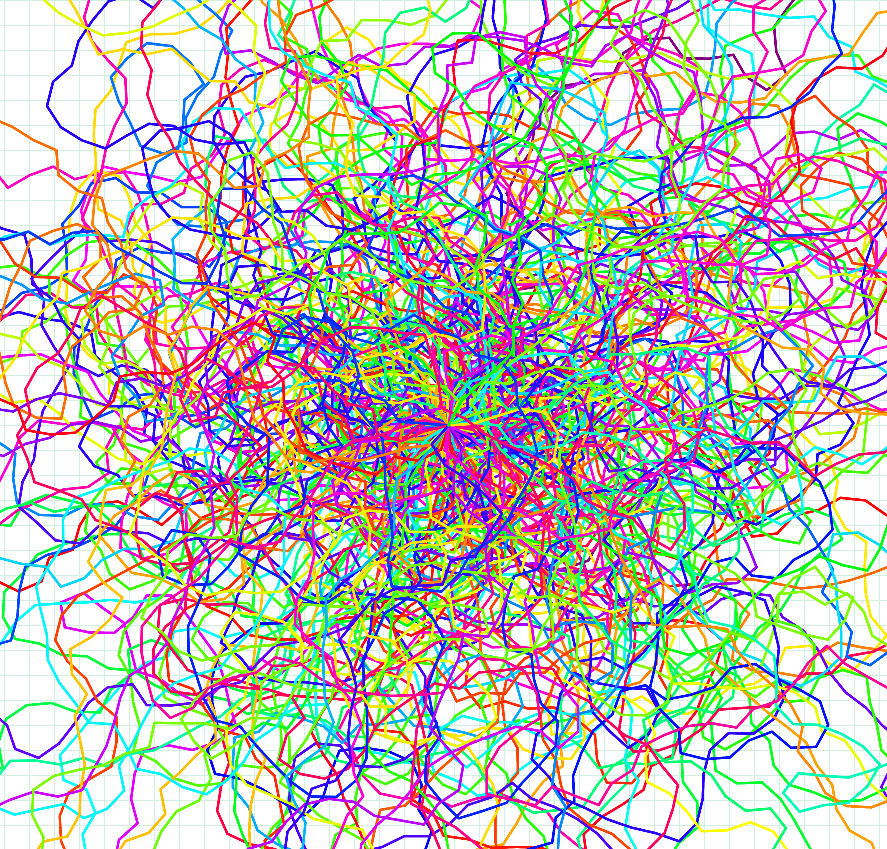
![CodeSkulptor - Graphs and Plots [Challenge 1]](uploads/02-July_2025-Creative_Coding/Kevin J._CodeSkulptor - Graphs and Plots [Challenge 1]_2025-07-29/image.png)
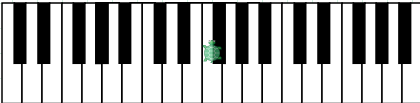
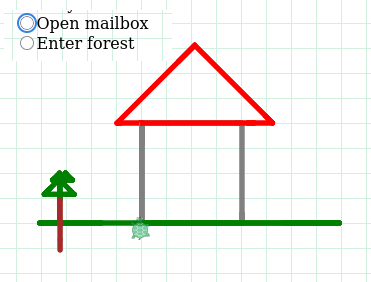
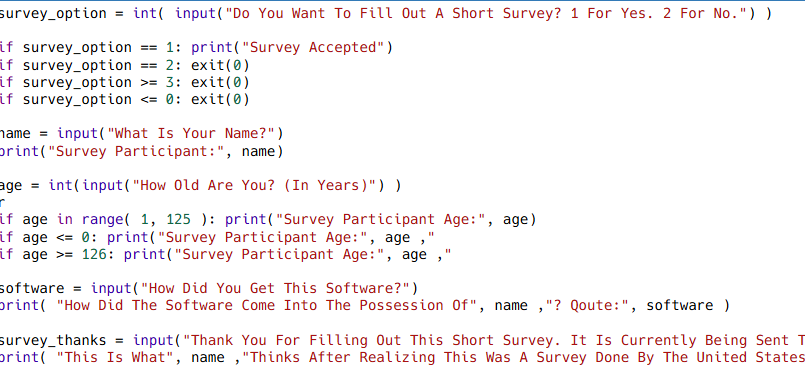
![CodeSkulptor - Python Basics [Challenge 1]](uploads/02-July_2025-Creative_Coding/Kevin J._CodeSkulptor - Python Basics [Challenge 1]_2025-07-29/image.png)
![CodeSkulptor - Python Basics [Challenge 2]](uploads/02-July_2025-Creative_Coding/Kevin J._CodeSkulptor - Python Basics [Challenge 2]_2025-07-29/image.png)
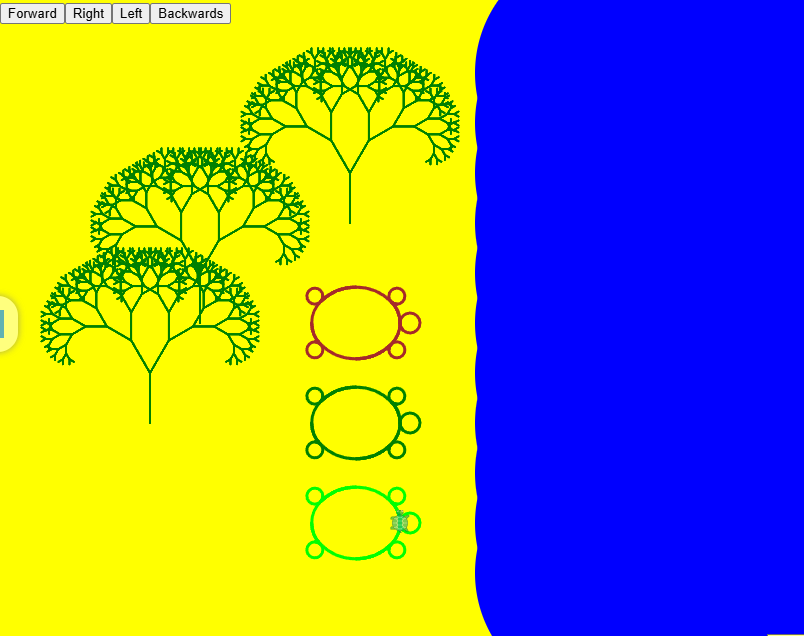
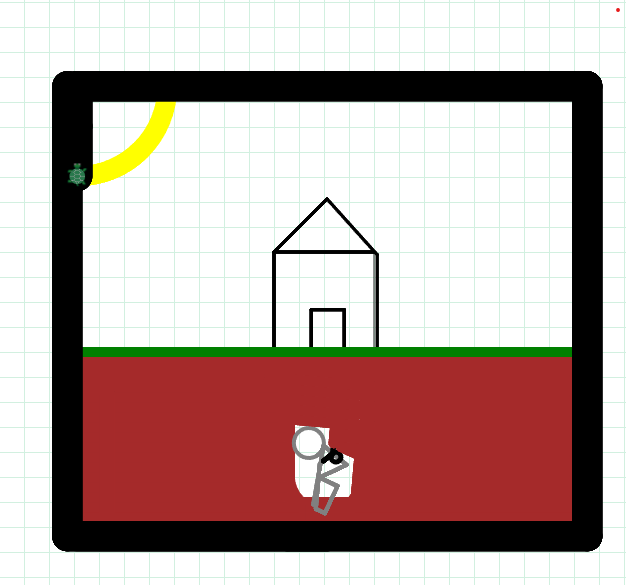
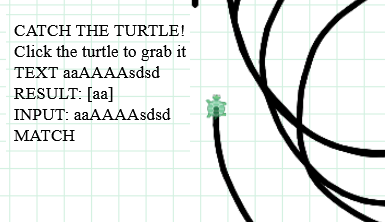
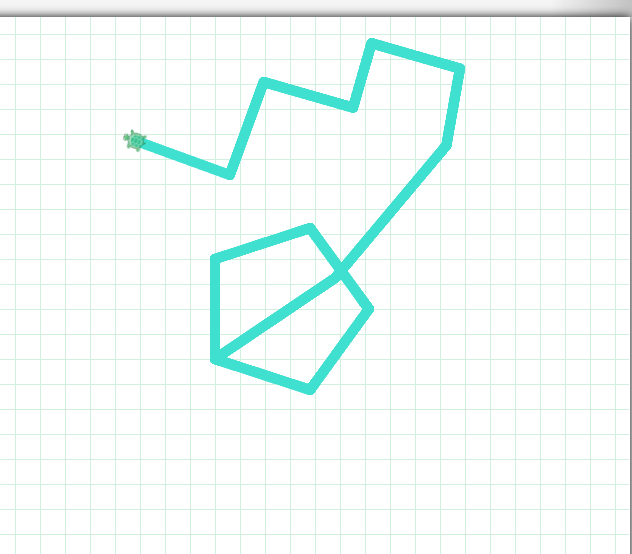
![Controllable Drawing Turtle - [Version 1]](uploads/02-July_2025-Creative_Coding/Kevin J._Controllable Drawing Turtle - [Version 1]_2025-07-28/image.png)
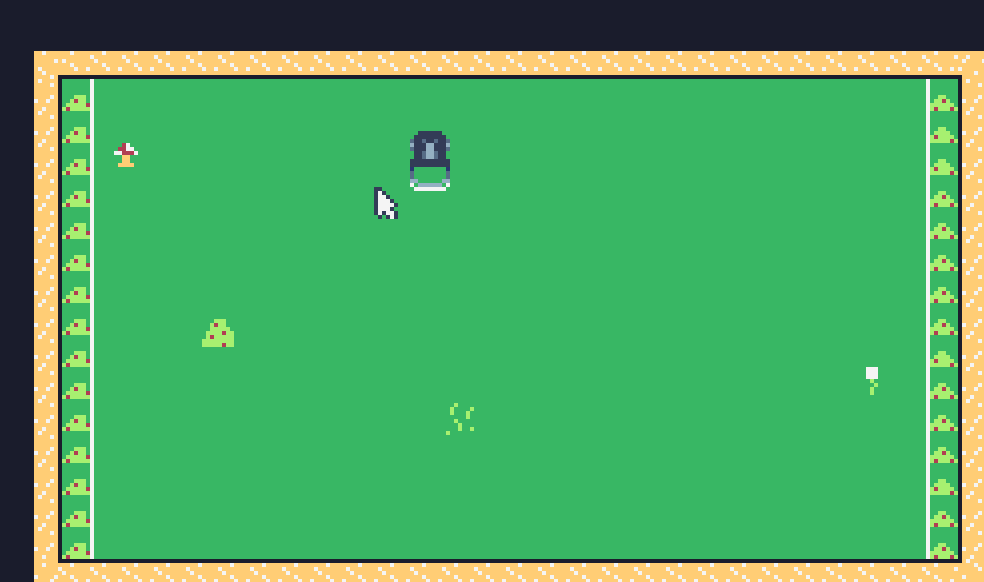
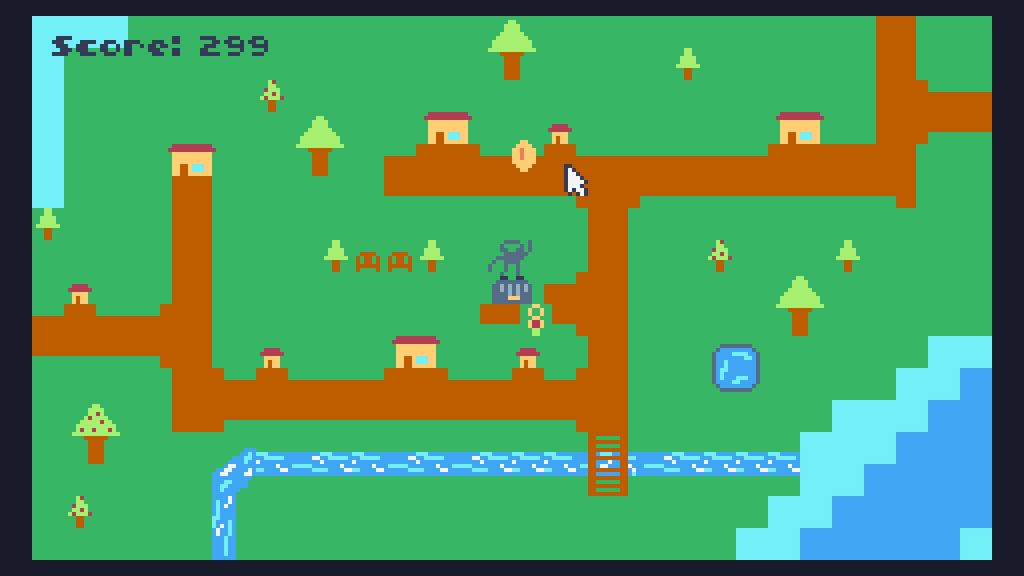
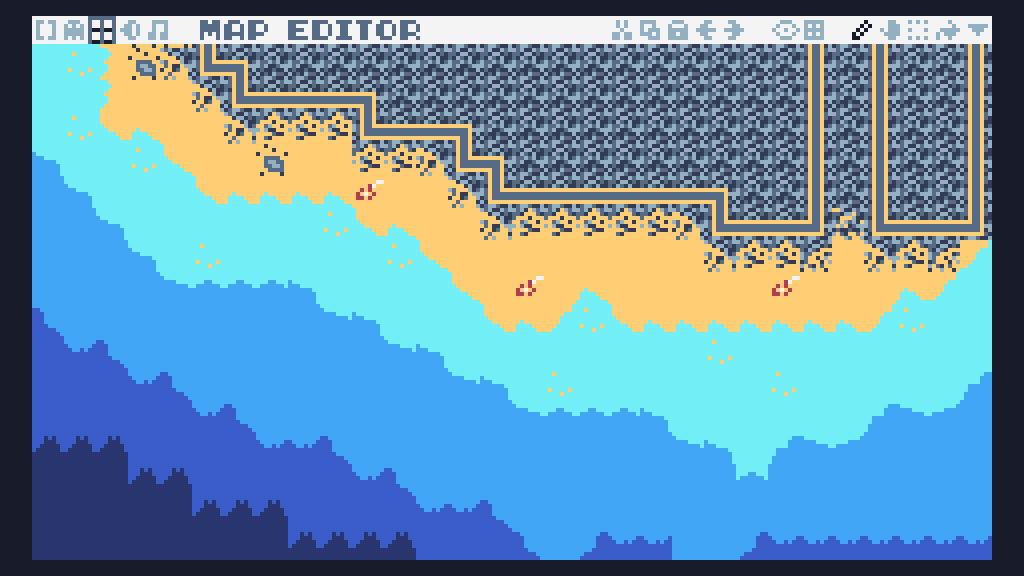
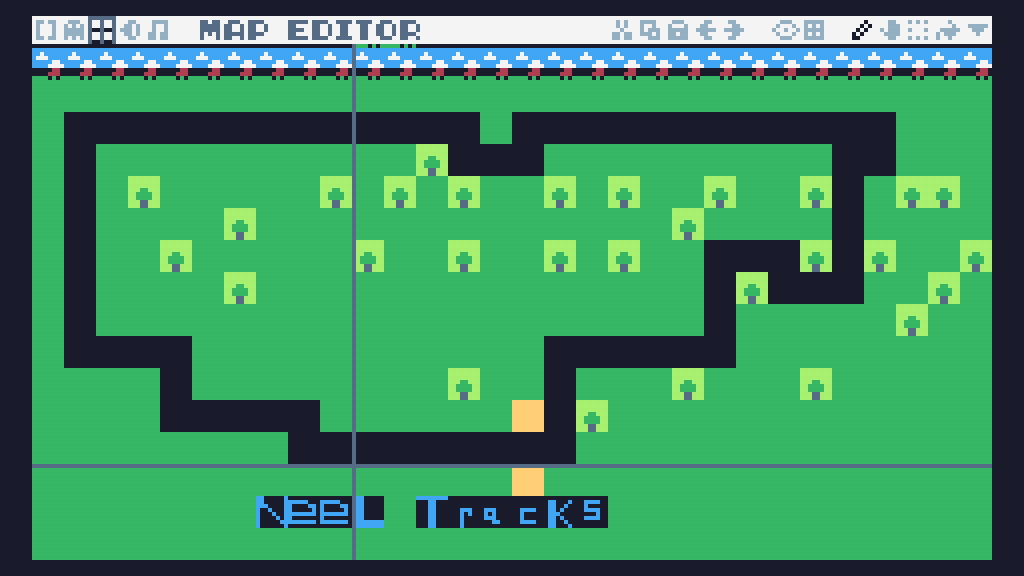
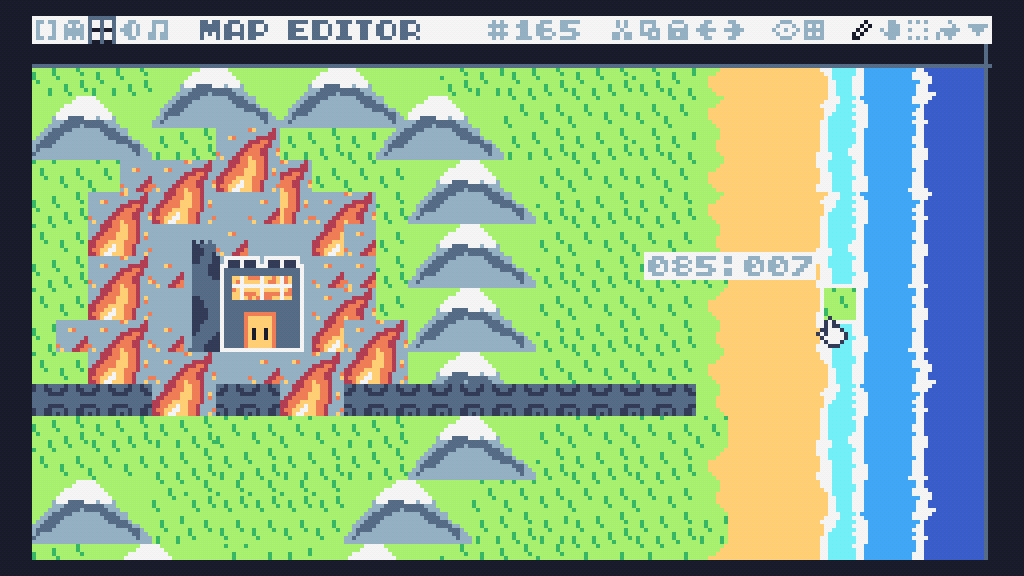
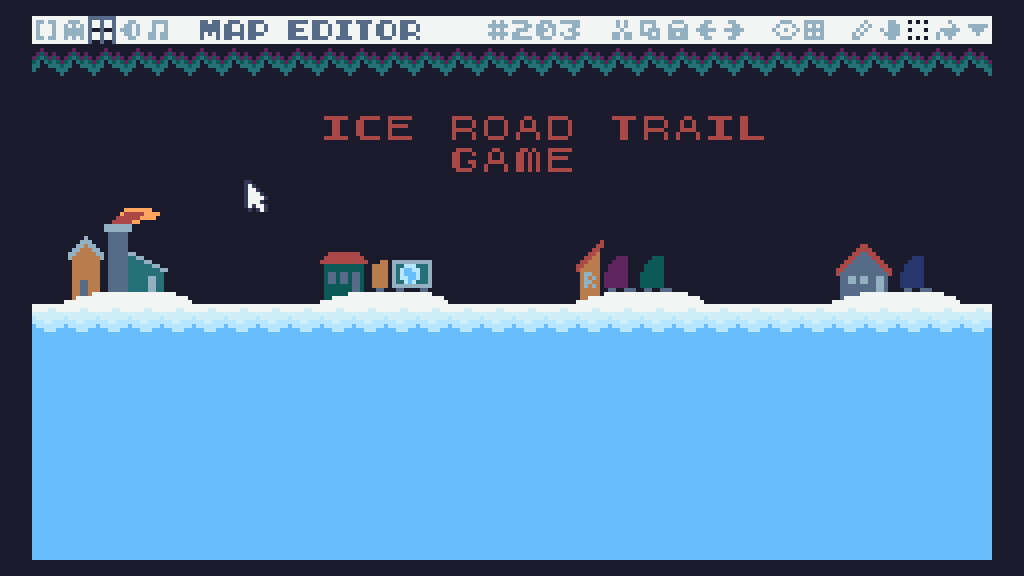
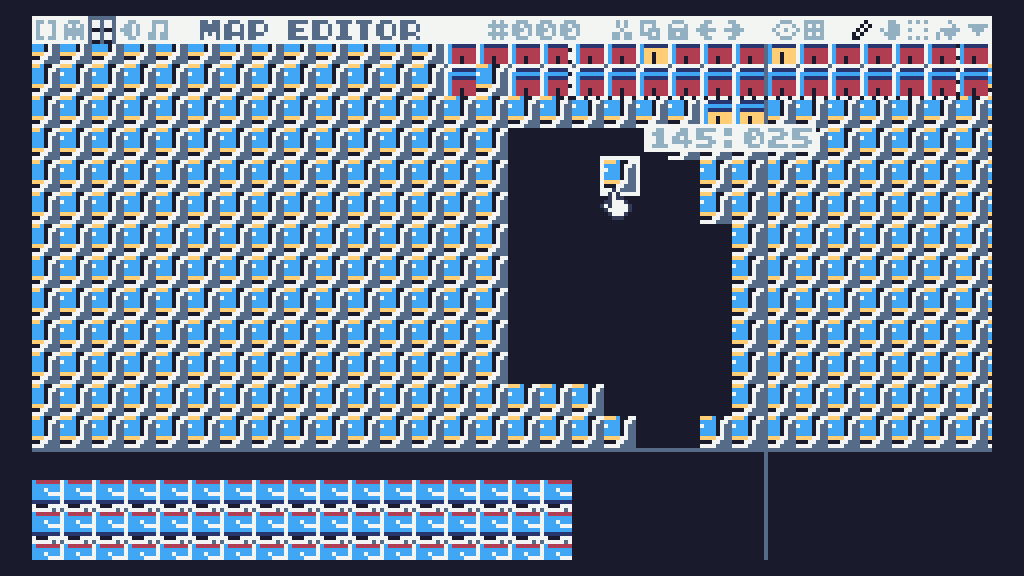
![TIC80 Project - [Version 1]](uploads/02-July_2025-Creative_Coding/Kevin J._TIC80 Project - [Version 1]_2025-07-30/image.gif)
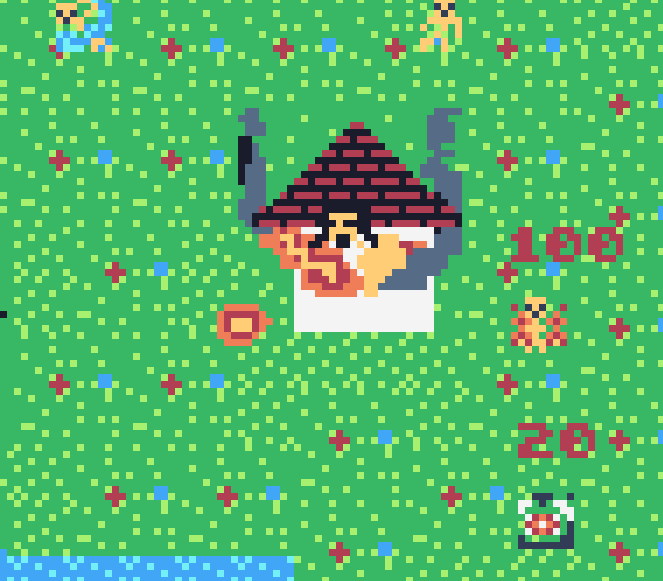
![TIC80 Project - [Version 2]](uploads/02-July_2025-Creative_Coding/Kevin J._TIC80 Project - [Version 2]_2025-07-31/image.gif)

Intro To Gamedev (June 2025)
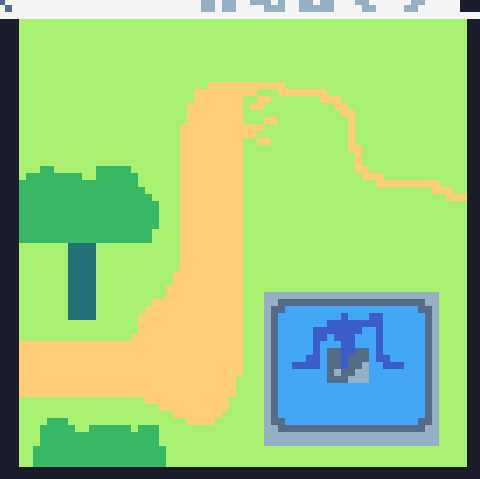
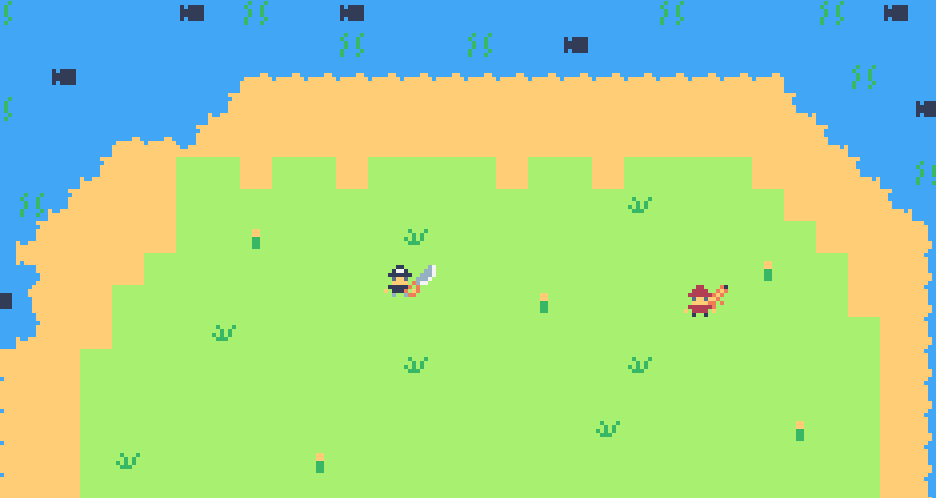
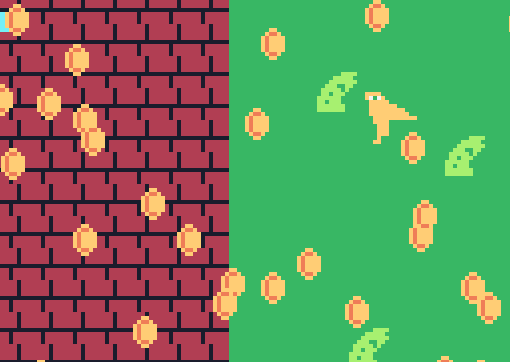
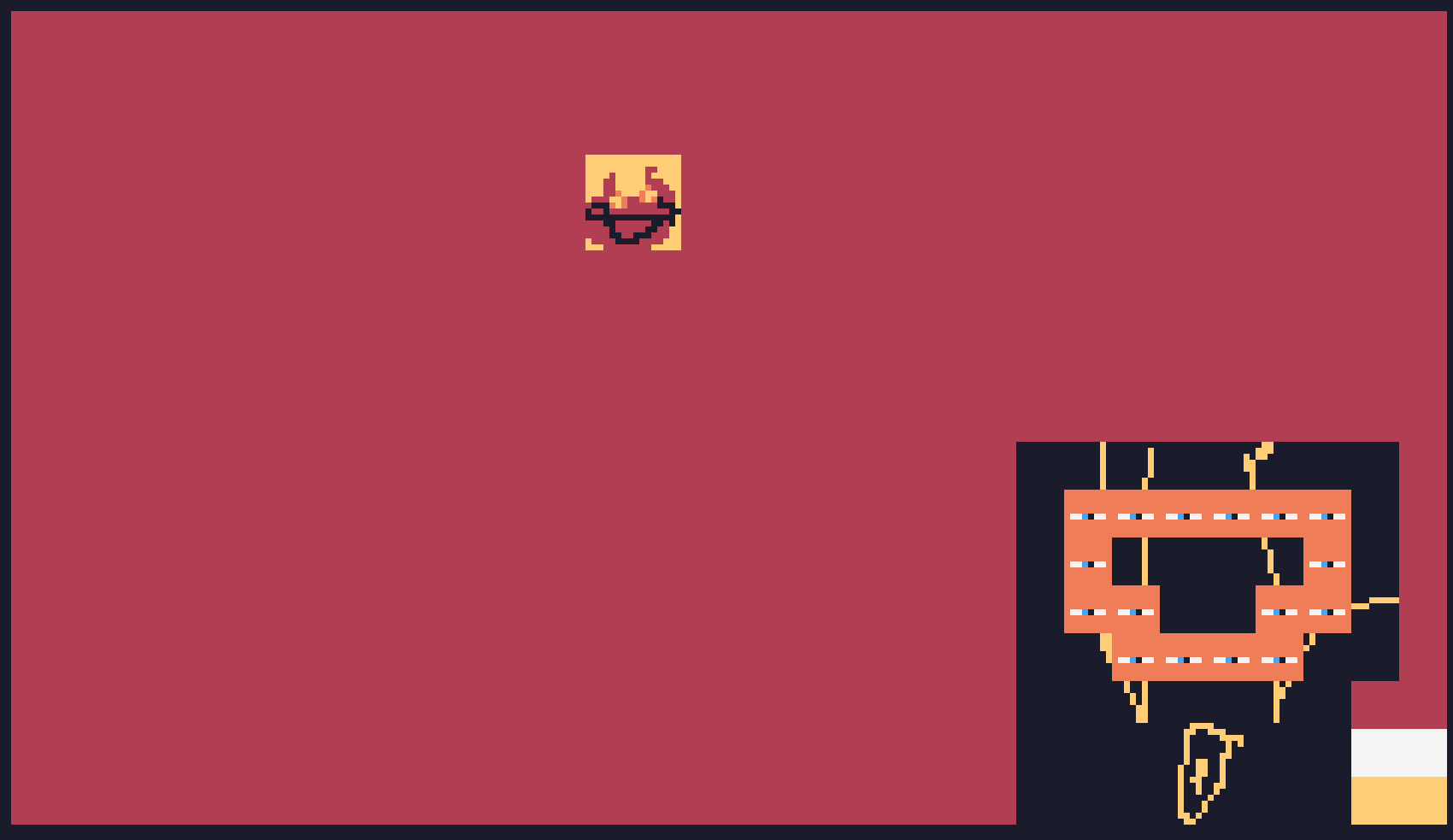
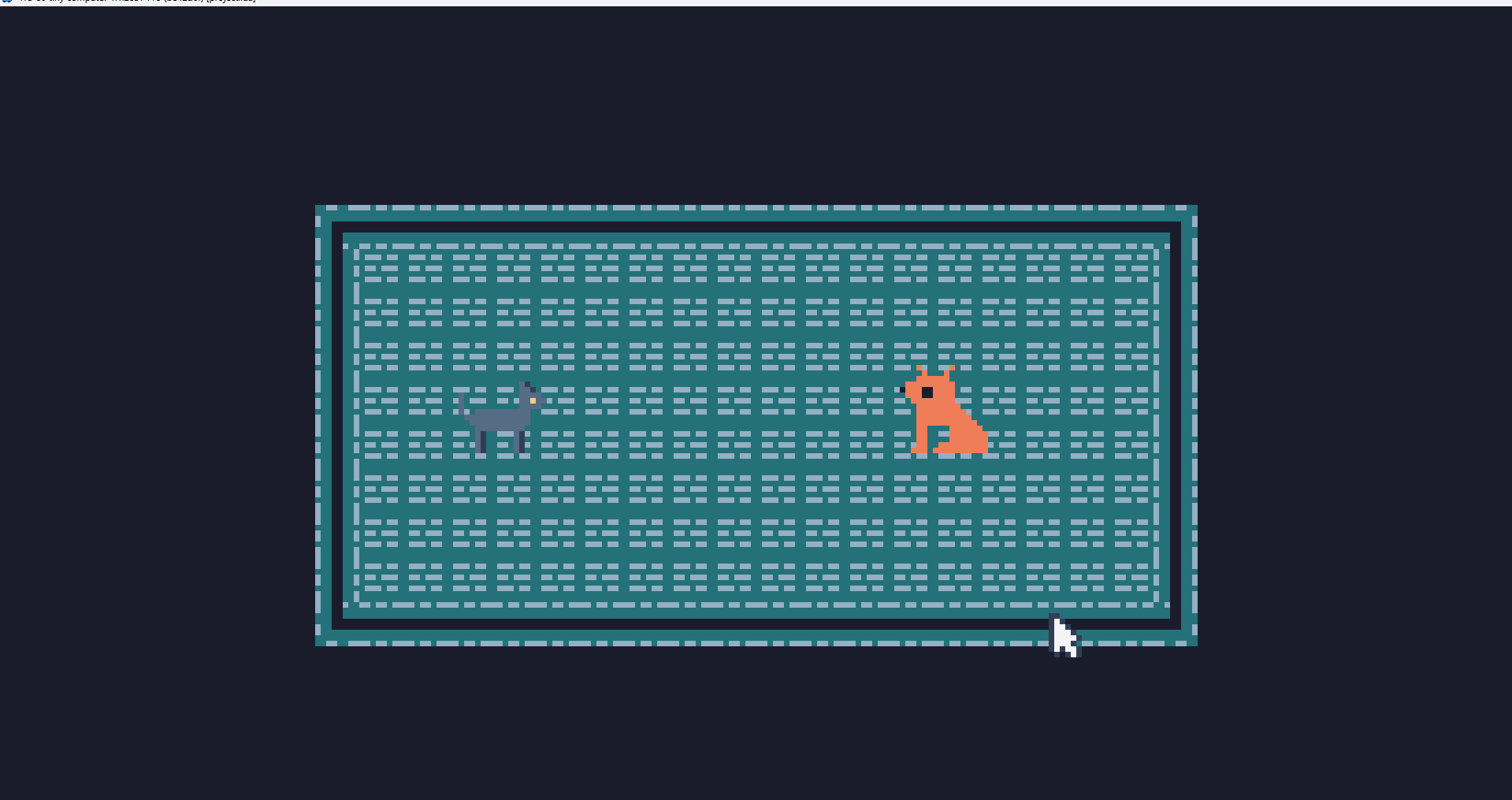
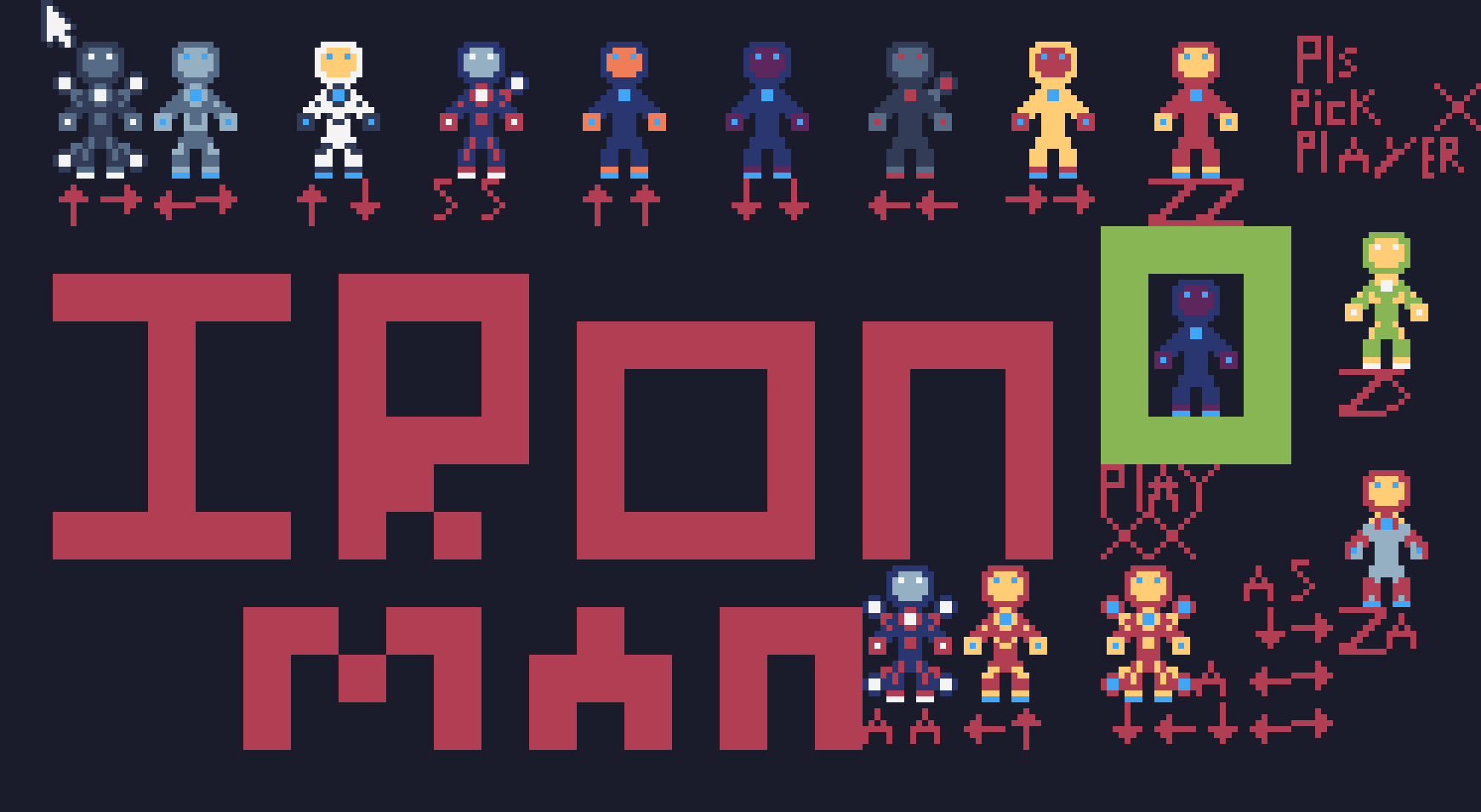
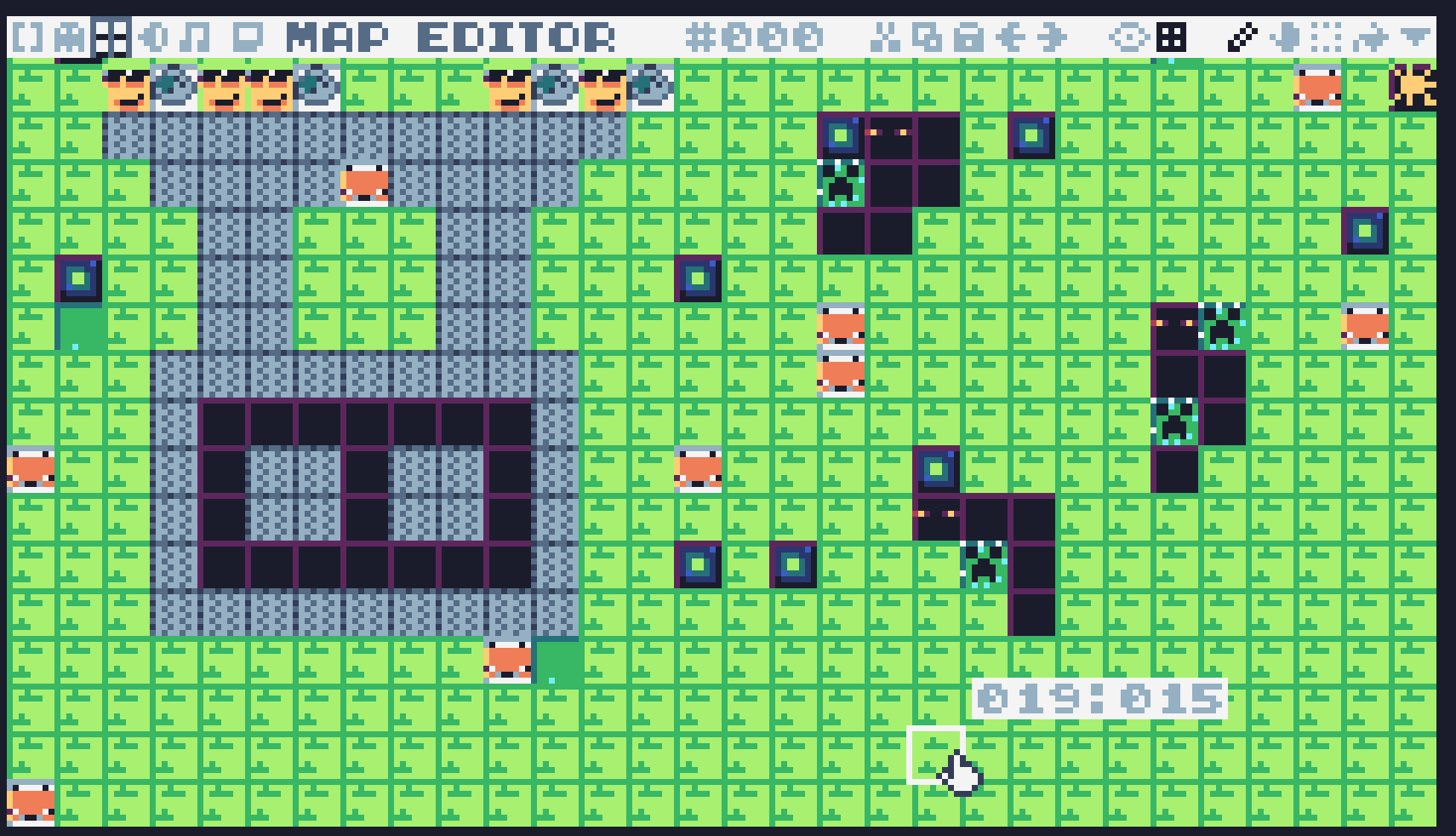
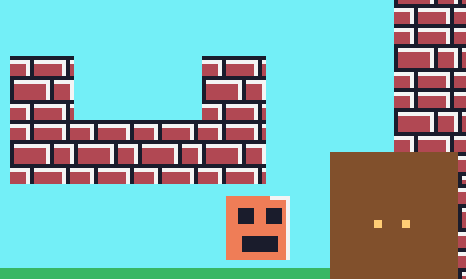
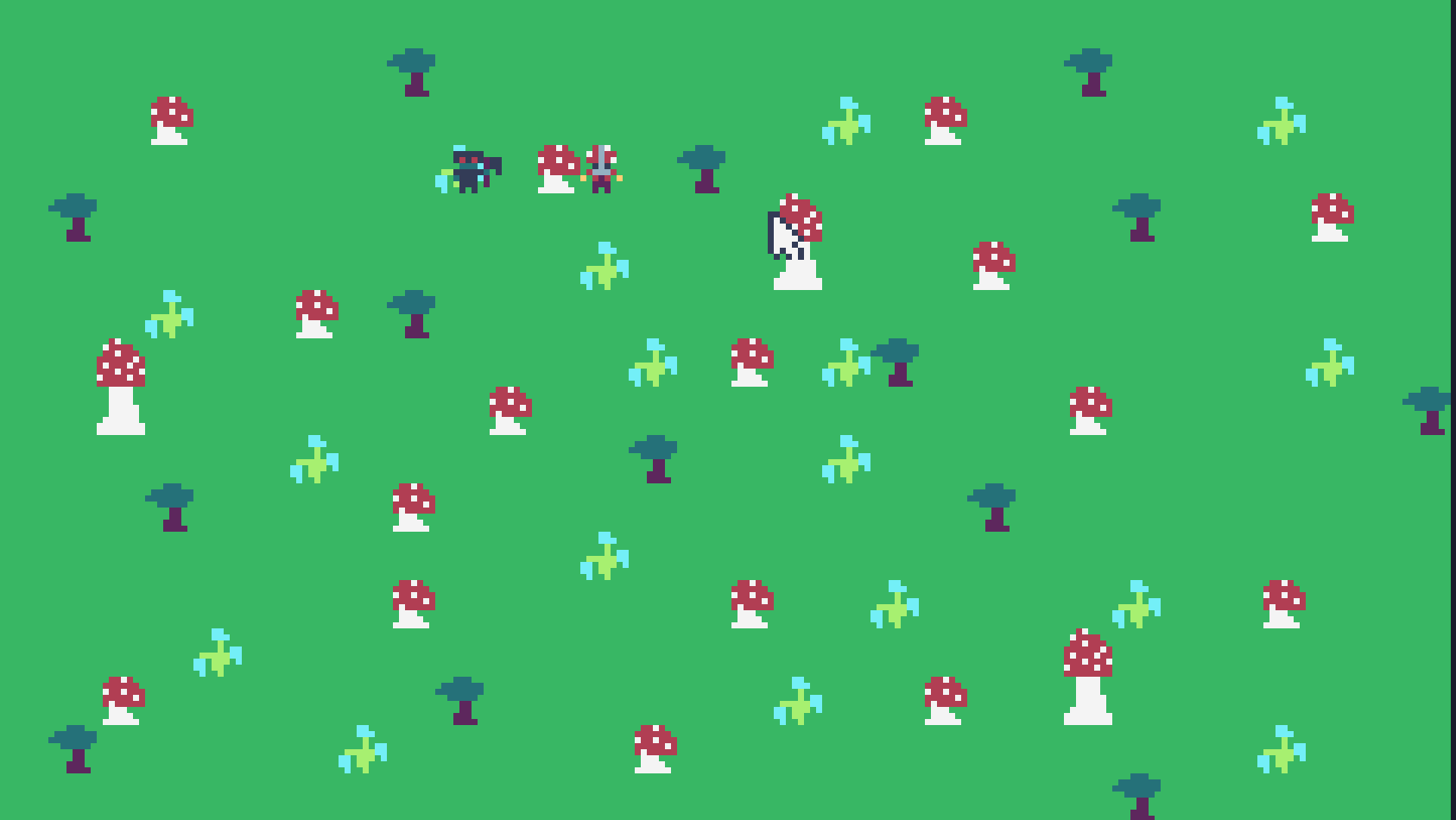
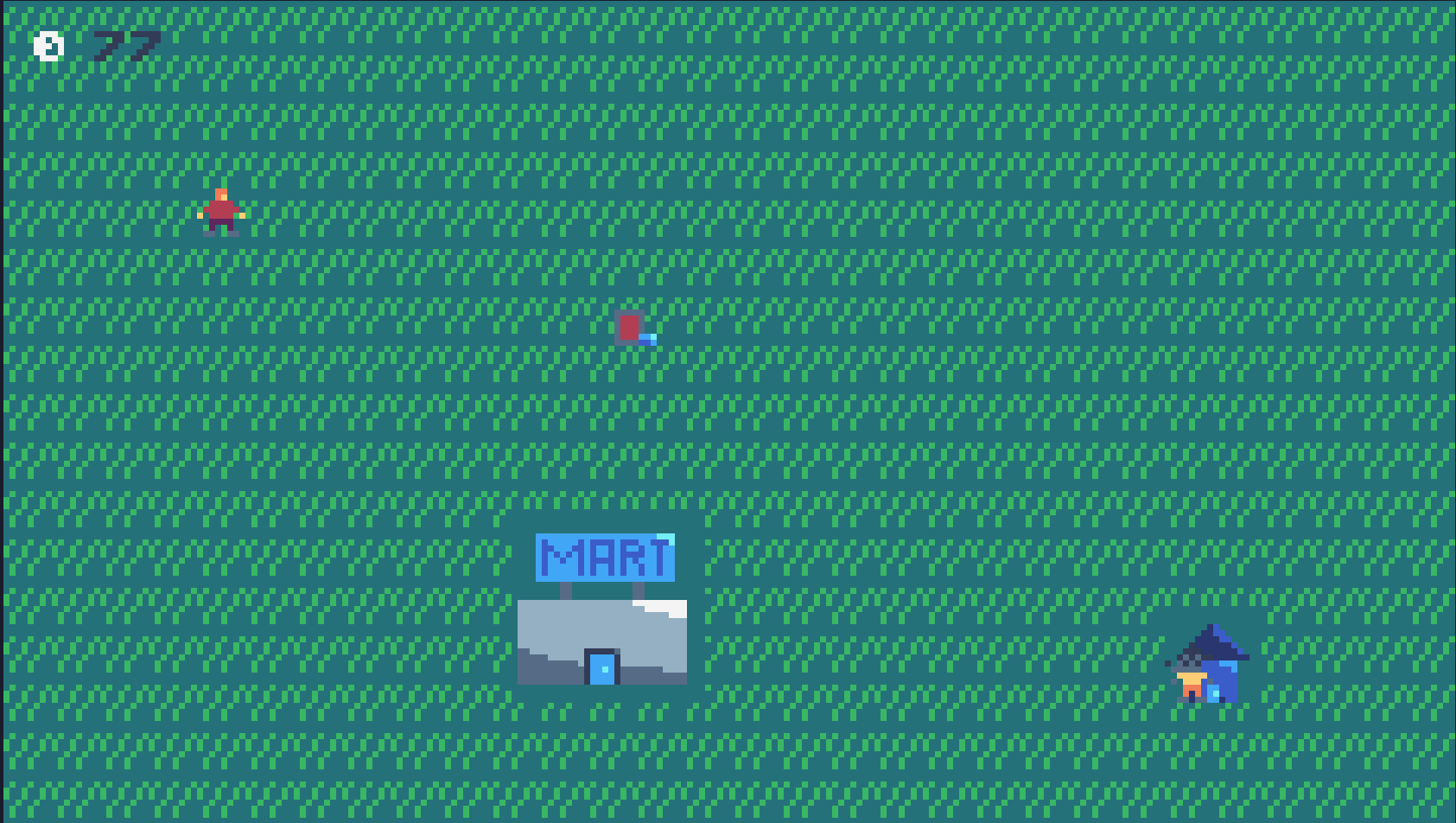
_2025-06-04/image.png)